
Organizational Identity — mission, vision and values
Purpose
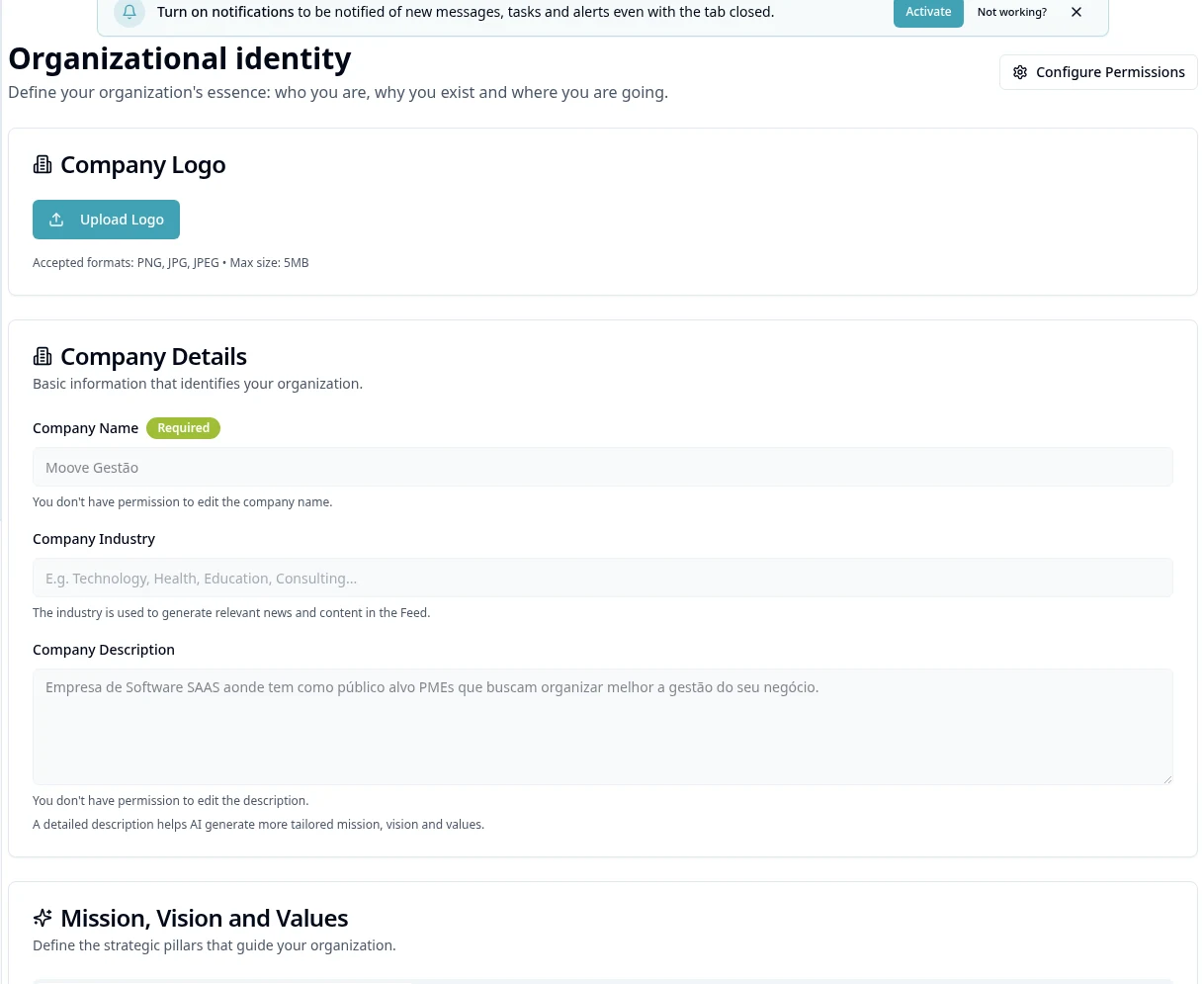
Describe purpose and priorities; this is the strategic track, separate from the basic Foundation data.
Before you start
Step by step
- 1
Open Planning → Organizational Identity.
- 2
Check Company Data; the shared name/segment was already set in Settings and does not need to be re-registered as another company.
- 3
Complete the strategic description and save the allowed changes.
- 4
In the mission, vision and values area, prepare the text with the available editing controls.
- 5
If you use the AI suggestion offered, critically review the content before accepting it.
- 6
Check logo and permissions in the corresponding area and make the identity available to authorized people.
- 7
Use the identity as guidance for SWOT and objectives, without turning values into automatic rules that do not exist.
Available controls depend on your user permissions and organization settings. If an option is missing, ask the administrator to check your module access.