
Internal surveys — conduct and review results
Purpose
Prepare questions and the employee audience; customer NPS has its own flow in WhatsApp.
Step by step
- 1
Open Surveys and start creating/editing from the available management area.
- 2
Use an offered template (for example Climate or eNPS) or prepare the questions in the editor.
- 3
Check participants, deadline and the identification/anonymity setting shown in the form.
- 4
Review the questionnaire before making it available to employees.
- 5
The person answers from their surveys area.
- 6
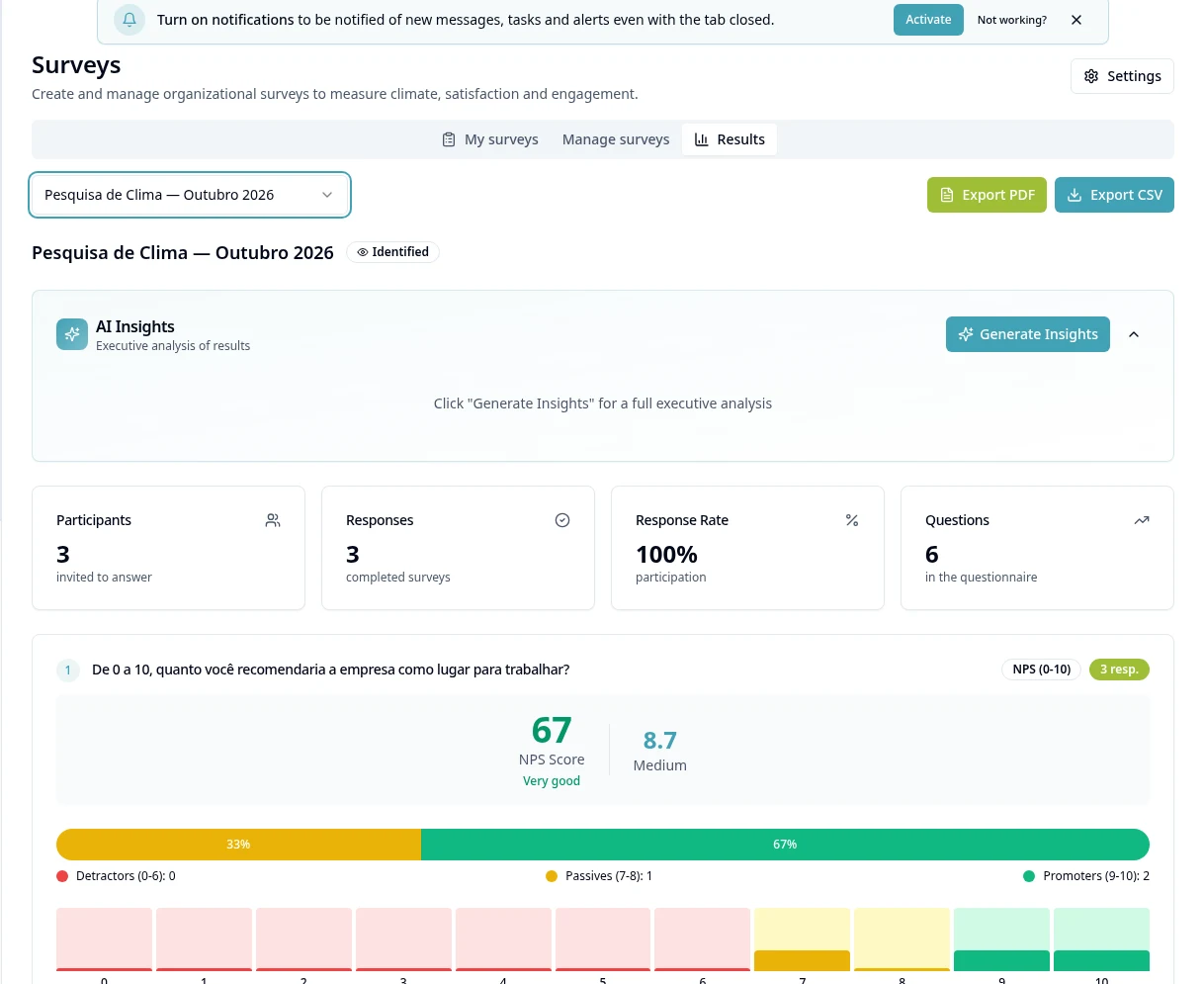
Open Survey Results to see answers and consolidation with the allowed access.
- 7
Compare campaigns with compatible questions/audiences; do not expose sensitive answers when exporting.
- 8
For customer NPS sent by conversation or chatbot, use WhatsApp → NPS; do not assume the same flow as internal surveys.
Available controls depend on your user permissions and organization settings. If an option is missing, ask the administrator to check your module access.