
Drive — folders, access and trash
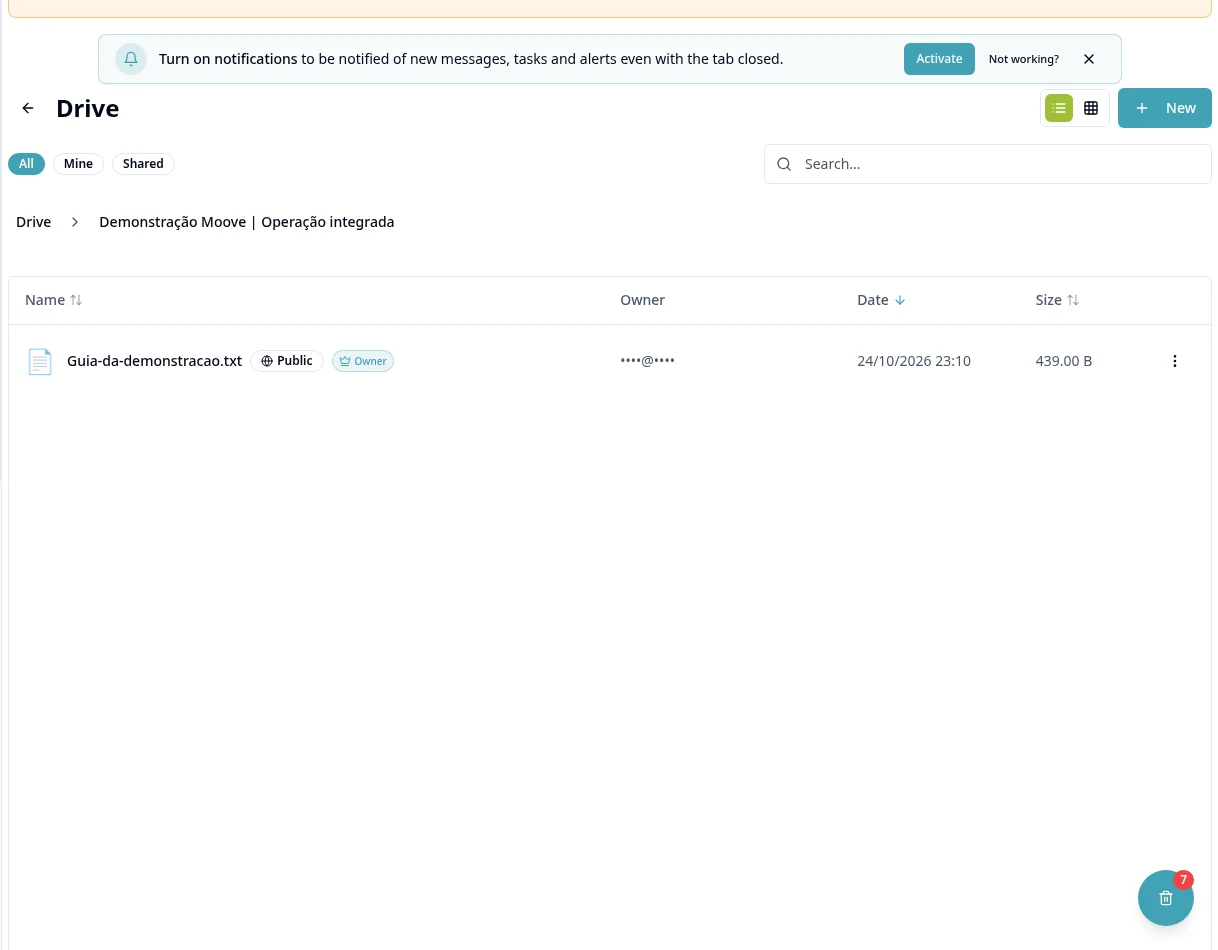
Purpose
Organize files and choose who can access them before sharing.
Step by step
- 1
Open Drive and create the folder structure using the available actions.
- 2
Open the destination folder before uploading files; items uploaded there inherit folder access.
- 3
When dragging computer files/folders to the root, choose access before completing. The folder tree is preserved.
- 4
Use Share / Manage Permissions to review authorized users/groups.
- 5
A public folder link exposes its contents: review files and subfolders before sharing it externally.
- 6
Use search and organization to locate files and review sharing when the team changes.
- 7
Check Trash and restore only when the action is available; do not assume a universal retention period.
- 8
Monitor storage in Plans; do not assume attachments from other modules become automatic customer folders.
Available controls depend on your user permissions and organization settings. If an option is missing, ask the administrator to check your module access.