
Customer Center and 360° view
Purpose
Bring customer records together and review relationships without duplicating customers or assuming unrestricted access to history.
Step by step
- 1
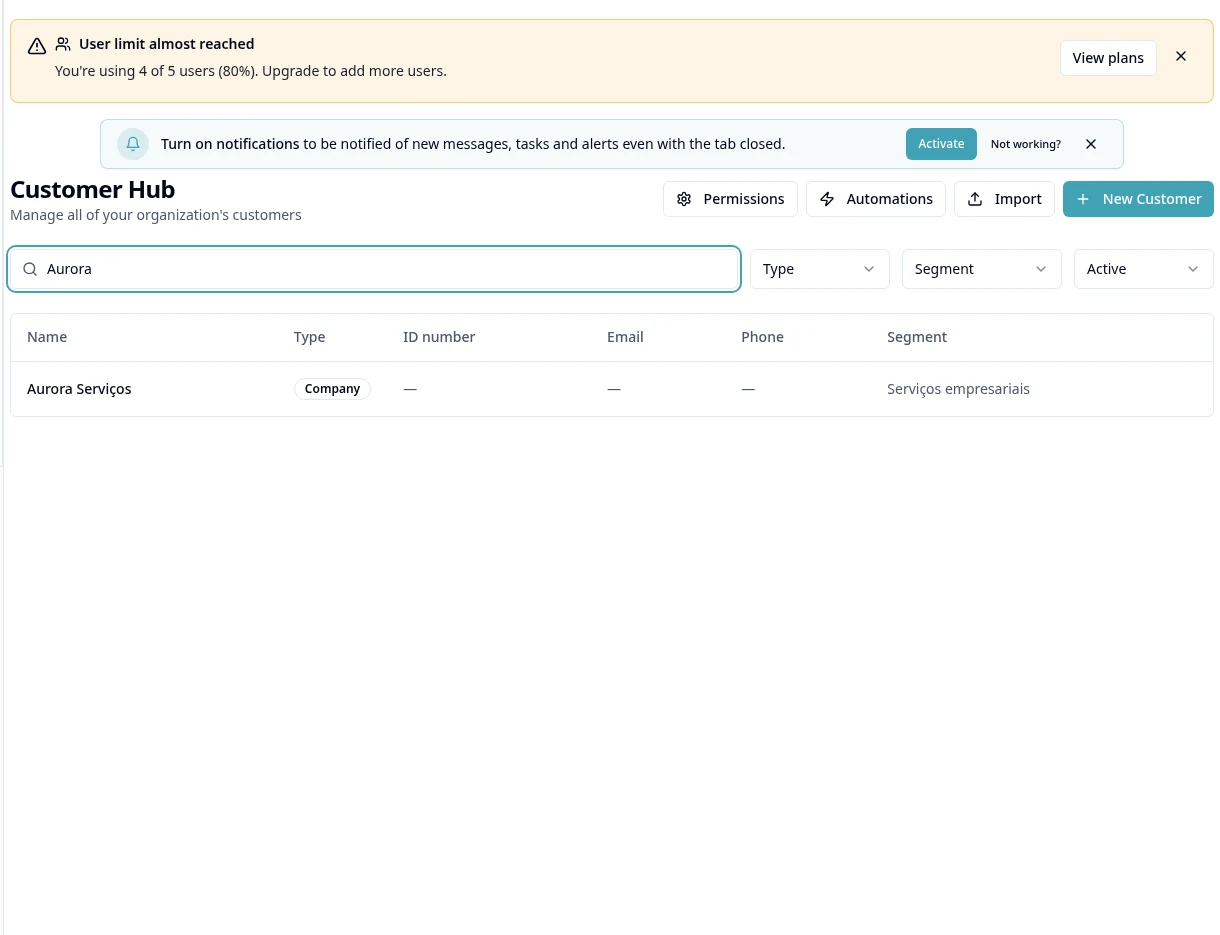
Open Customer Center and use New Customer / Create Customer.
- 2
Select the person type and complete the fields requested by the form; check the identification document and contacts.
- 3
Save and locate the record using search and segment/status filters.
- 4
Open the 360° view and review linked records in the modules you can access.
- 5
Review the record's contacts and details before sending proposals or messages.
- 6
To import CRM/Tasks/Projects/Customers, use account menu → Manage Data → Import; review duplicates and the result.
- 7
Use Automations in Customers when authorized, defining the trigger and available actions; do not confuse a customer record with a campaign.
Available controls depend on your user permissions and organization settings. If an option is missing, ask the administrator to check your module access.