
Strategic Actions and breakdowns
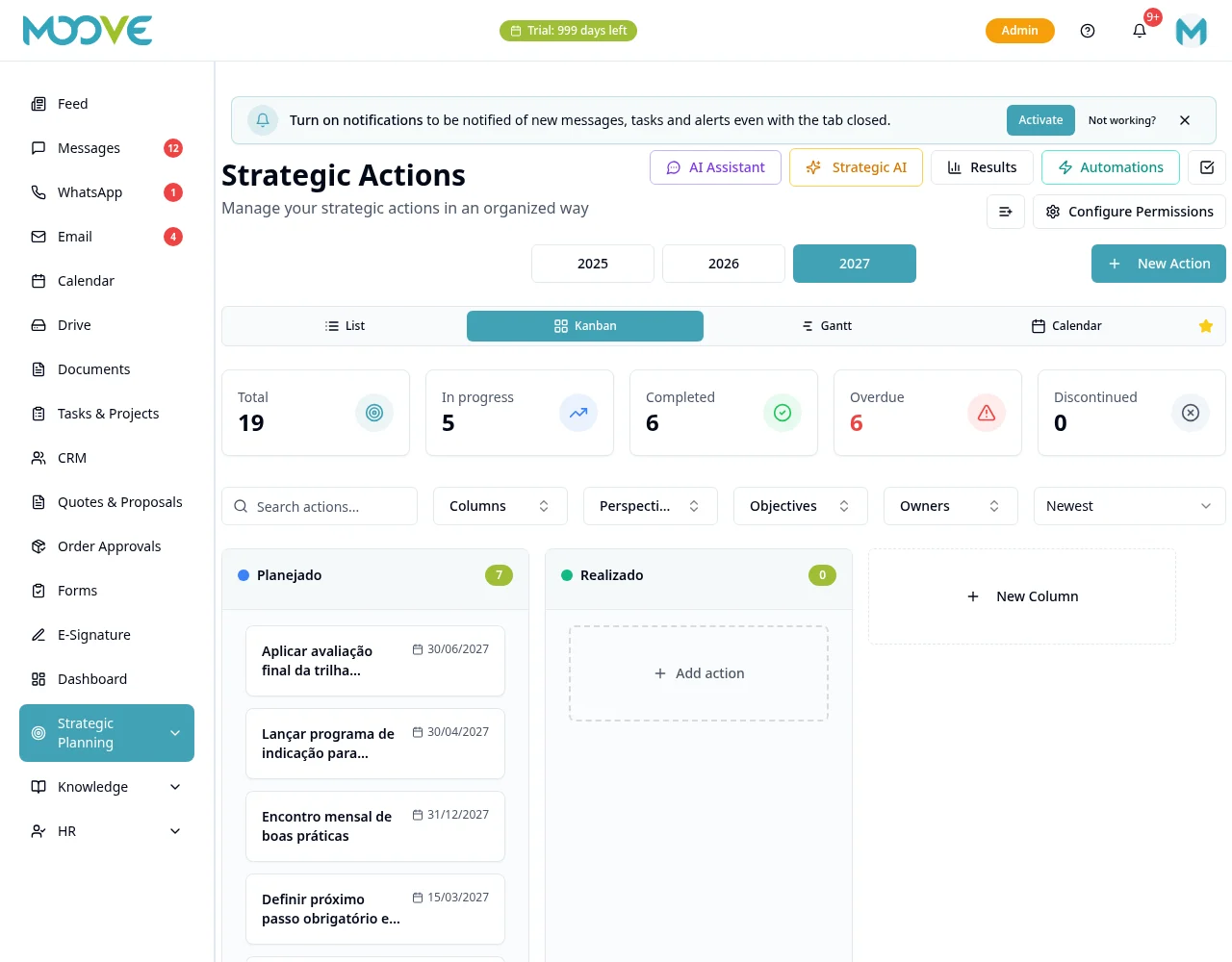
Purpose
Turn objectives into work with owner, deadline and tracked result.
Before you start
Step by step
- 1
Open Planning → Strategic Actions and select the right year/view.
- 2
Use New Action and fill in what, why and how, owner and the dates offered in the form.
- 3
Review links to planning and placement in the view before saving.
- 4
Open the action to track progress and attachments with the available controls.
- 5
When done, record completion with the on-screen action; the planned deadline is not the actual completion date.
- 6
In BSC, check actions/breakdowns linked to the objective.
- 7
Use the Results panel to analyze completed actions and on-time delivery with authorized filters and scope.
Available controls depend on your user permissions and organization settings. If an option is missing, ask the administrator to check your module access.