
Phase 4 · Execution and knowledge
Step 4 of 9
10 min
Beginner
Projects and reusable templates
Purpose
Prepare a reusable sequence and review people and dates for the new execution.
Before you start
Step by step
- 1
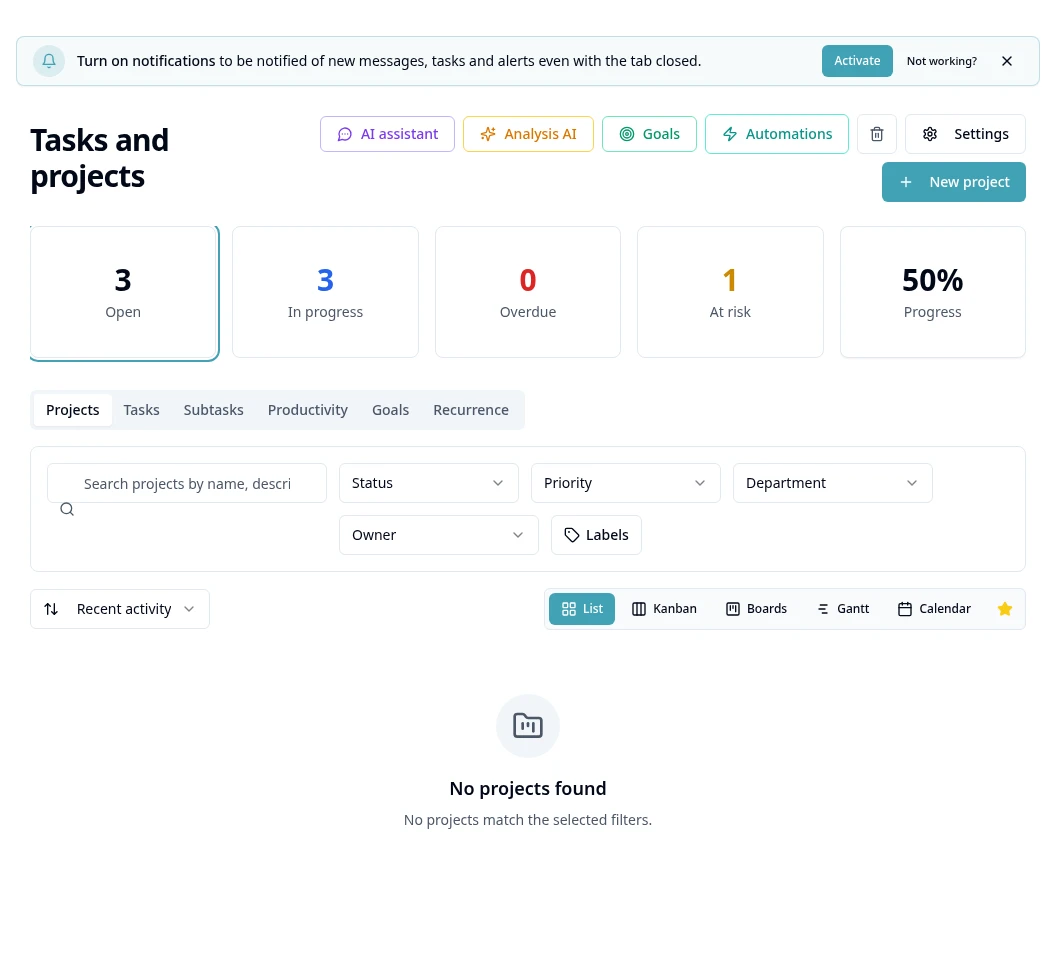
In the Projects view, create a project and complete the required fields.
- 2
Organize the project's tasks and assignees using the available options.
- 3
Use the templates area to prepare a recurring sequence when authorized.
- 4
When creating from a template, check the name, dates, tasks and assignees before confirming.
- 5
Track deadlines and progress in project views and update tasks according to completed work.
- 6
Review the template for future executions; do not assume changes retroactively affect all existing projects.
Access and availability
Available controls depend on your user permissions and organization settings. If an option is missing, ask the administrator to check your module access.
Recommended next step
Requests — form and approval workflow