
WhatsApp campaigns, tone of voice and NPS
Purpose
Prepare messages and surveys with a defined channel, audience and sending rules.
Before you start
Step by step
- 1
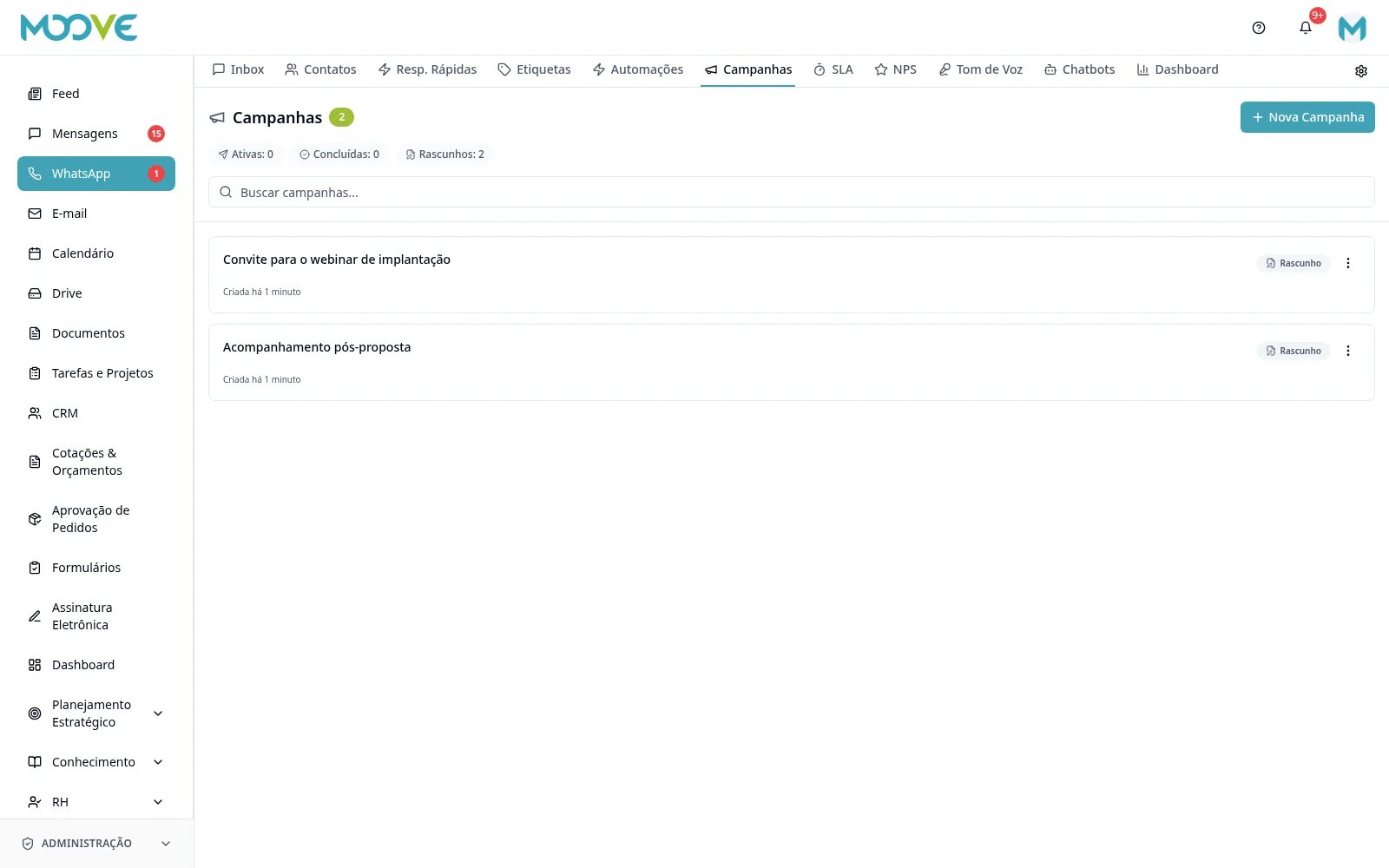
Open Campaigns to configure the campaign using the available wizard and check the channel, audience, message and schedule.
- 2
Review provider rules and recipient authorization before sending; do not ignore protection pauses.
- 3
In Tone of Voice, prepare the organization profile and available associations. Bots use this tone only when organization-level usage is enabled.
- 4
In NPS, use New NPS Survey to prepare the question and sending settings.
- 5
Send the survey from the conversation menu → Send NPS, or through the NPS Survey block in a configured chatbot.
- 6
Monitor NPS responses and indicators in the module with the desired date range.
- 7
Do not confuse customer NPS with internal employee surveys: each workflow has its own audience and monitoring.
Available controls depend on your user permissions and organization settings. If an option is missing, ask the administrator to check your module access.