
Email, Customer and BSC automations
Purpose
Use the right module's event to avoid parallel flows and duplicate actions.
Before you start
Step by step
- 1
In Email → Automations, select the event and conditions and configure the available actions.
- 2
Check account, sender/template and contact/deal link before messages or sales actions.
- 3
In Customers → Automations, use the module's own created/changed/first-win events and their filters.
- 4
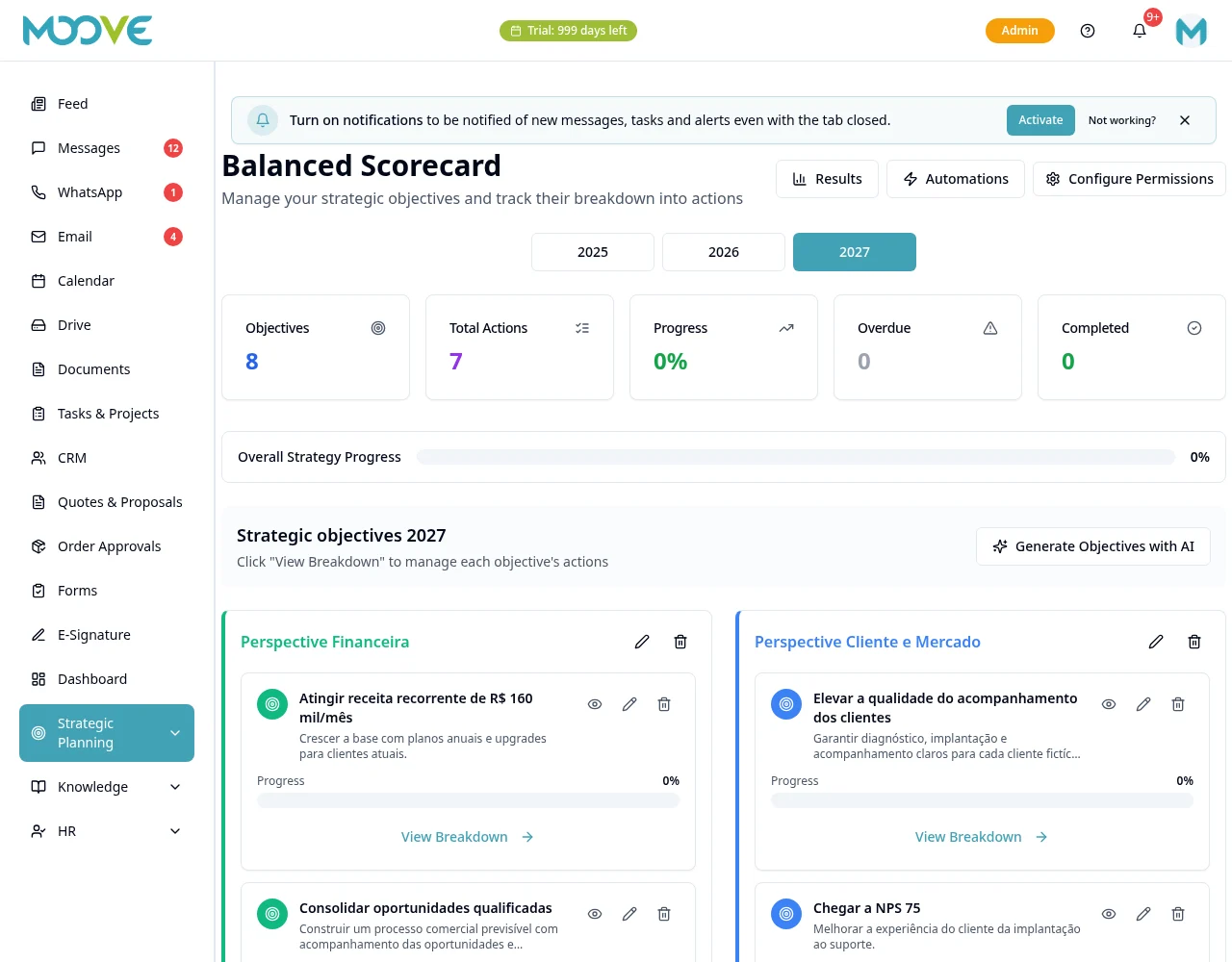
In BSC, configure the indicator/action triggers offered with owners and deadlines.
- 5
Indicator status changes are calculated by the system; do not manually update the color to force an event.
- 6
Review sending window and conditions, save and follow the logs of the responsible module.
- 7
Do not copy rules across several modules for the same result without checking whether they will produce repeated sends or tasks.
Available controls depend on your user permissions and organization settings. If an option is missing, ask the administrator to check your module access.