
Requests — form and approval workflow
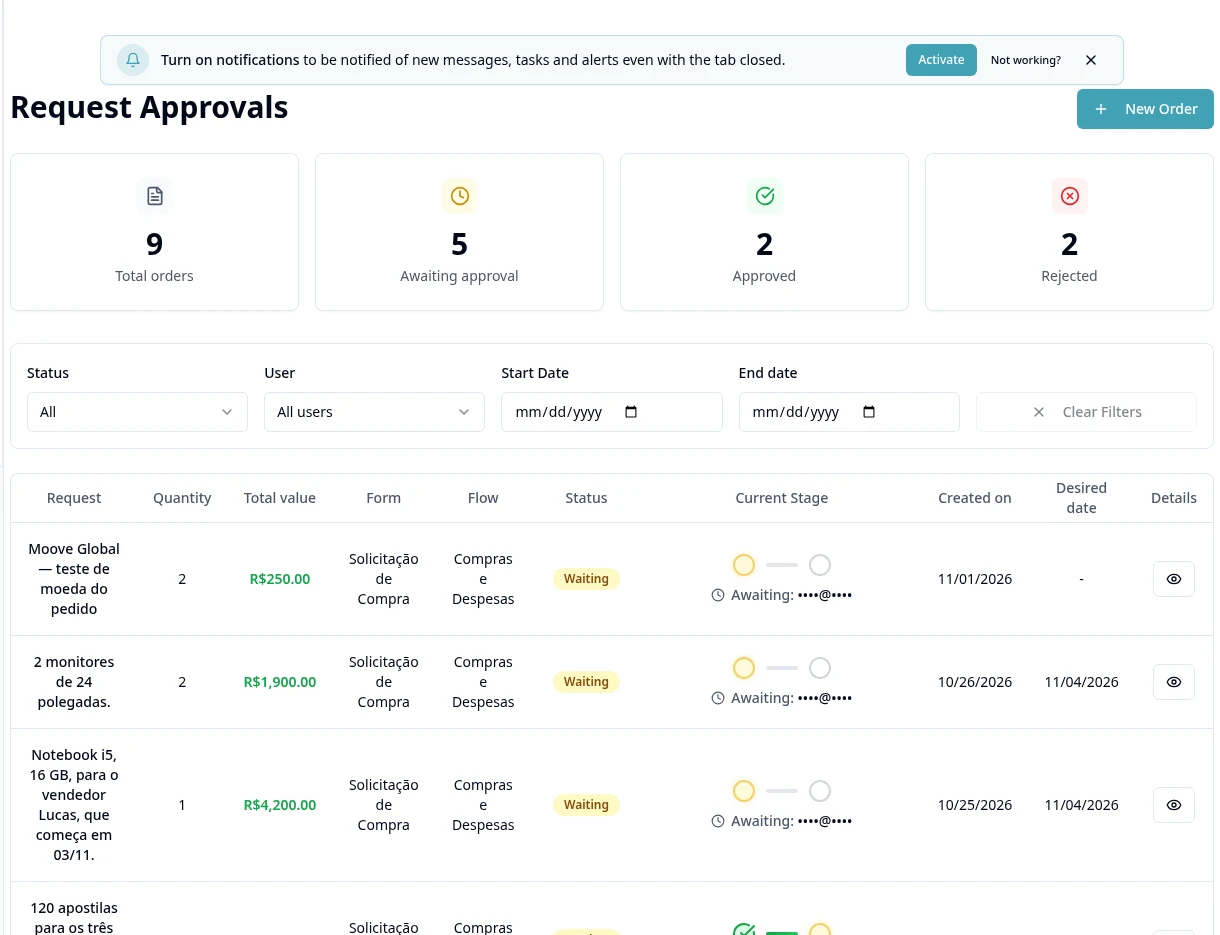
Purpose
Configure requests and approval stages; this module does not automatically issue tax invoices.
Step by step
- 1
Open Requests → Settings → Workflows and create a workflow with a name and description.
- 2
In Stages, configure workflow order and approvers using the screen's options.
- 3
In Forms, prepare the fields and associate the approval workflow.
- 4
If using budgets, configure Cost Centers, Accounts and Budgets and review how they apply to the workflow.
- 5
Review Permissions before making requests available to the team.
- 6
Create the request by selecting a Form and entering description, items/quantity/unit price and justification; complete required additional fields.
- 7
Check attachments and budget warnings before sending.
- 8
Open the details to review stages and approve/reject when authorized; track the decision without assuming automatic billing.
Available controls depend on your user permissions and organization settings. If an option is missing, ask the administrator to check your module access.