
Connect Email and use the inbox
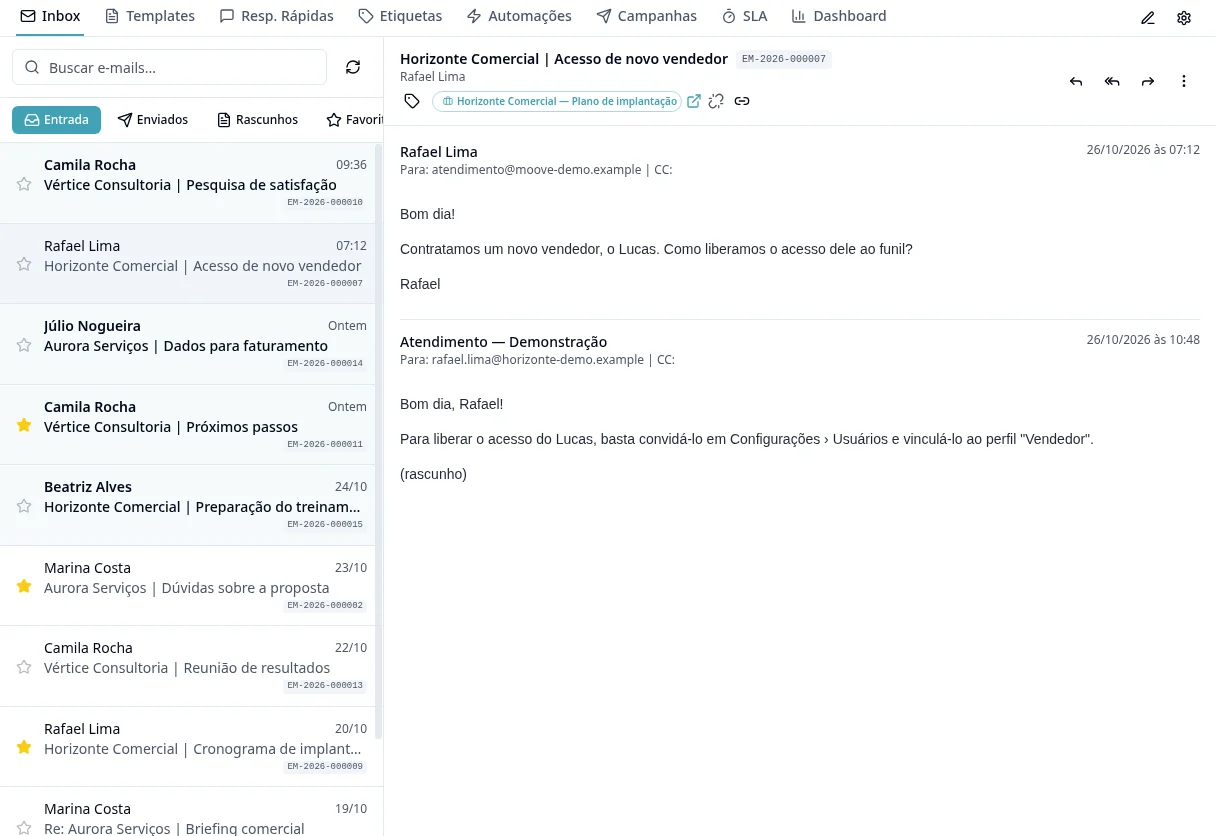
Purpose
Connect the right account, respecting personal/shared access and the provider's instructions.
Step by step
- 1
Open Email → Email Settings and start account setup.
- 2
Choose an available provider/method: Google/Microsoft authorization or IMAP/SMTP details depending on the account.
- 3
Authorize your own account or enter the required details; if an error occurs, follow the provider guidance displayed by the system.
- 4
Define shared account users/access when applicable; do not assume the entire organization will see the inbox.
- 5
Wait for the connection result and check the account in Inbox.
- 6
Open messages, reply and organize them with Labels and Quick Replies according to your permissions.
- 7
Review the account signature using the available settings.
- 8
For bulk sending, prepare Campaigns and your provider/domain: connecting an inbox does not replace this preparation.
Available controls depend on your user permissions and organization settings. If an option is missing, ask the administrator to check your module access.