
Time Bank — regime, agreement and closing
Purpose
Choose the regime and document the agreement before treating the balance as compensation.
Before you start
Step by step
- 1
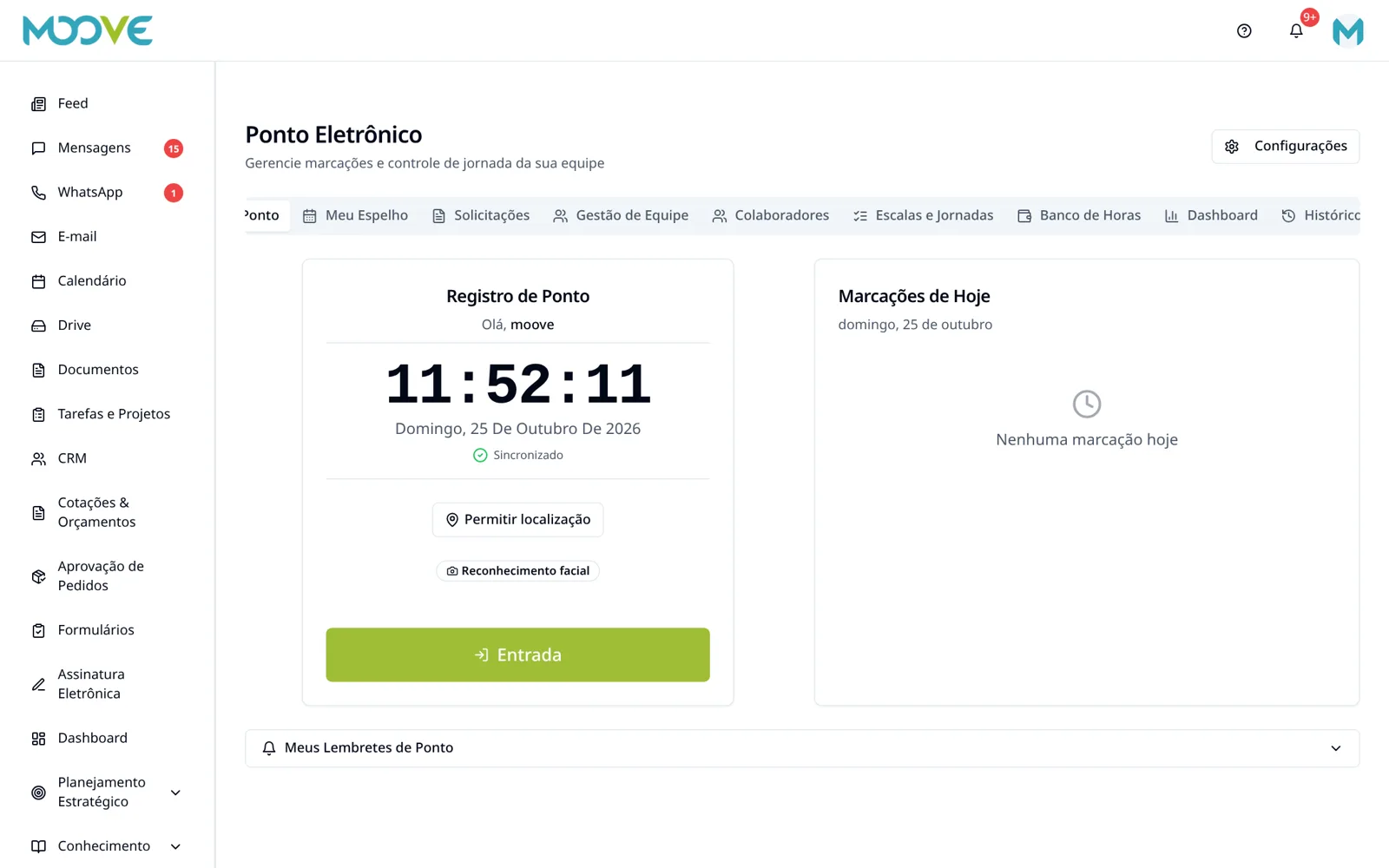
Open Time Clock → Settings / Shifts and Schedules → Hour Bank to configure the regime; the page's Hour Bank tab is for tracking balances.
- 2
Set the Regime among the options offered: no compensation, weekly compensation or monthly/semiannual/annual bank.
- 3
Choose the agreement type, identifier, validity and document as required.
- 4
An annual bank requires a collective agreement; do not select an individual agreement for this regime.
- 5
Review balance validity, caps and daily creditable limit according to company rules and the agreement.
- 6
Save and check the response before using the calculation.
- 7
Check entries/balances by employee and period; adjust and approve only through authorized actions with a justification.
- 8
At closing, check time offsets, pending items and allocation to the time bank or payroll using the available options; do not change the status/balance just to match expectations.
Available controls depend on your user permissions and organization settings. If an option is missing, ask the administrator to check your module access.