
WhatsApp chatbots and automations
Purpose
Build a flow that keeps context and routes to people who belong to the channel.
Before you start
Step by step
- 1
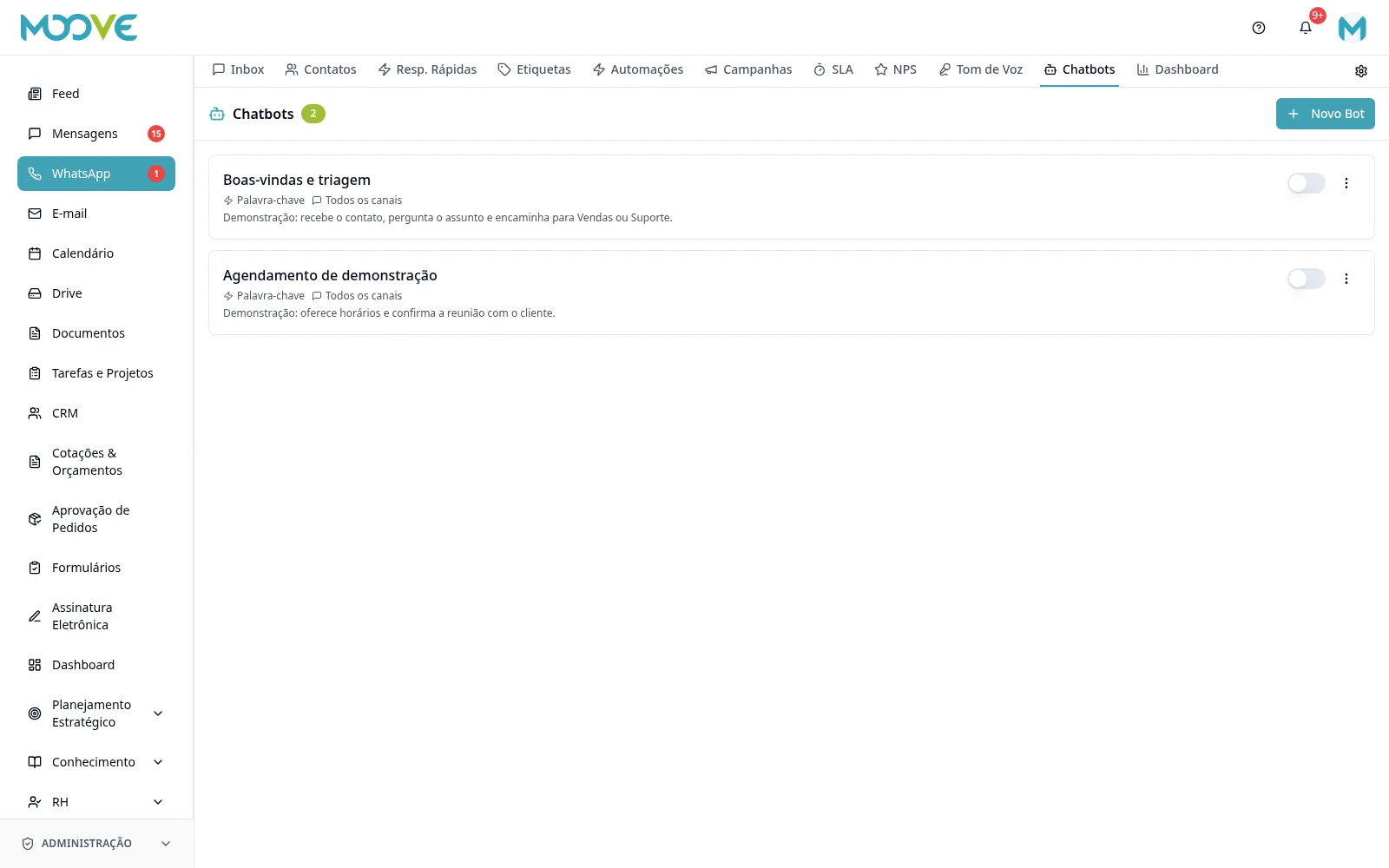
Open WhatsApp → Chatbots and create/edit the bot in the builder.
- 2
Define the entry point and select the channel from the on-screen options.
- 3
Arrange the available message, question, condition, action and transfer blocks and connect the paths.
- 4
Review the question output and alternative paths for unexpected answers.
- 5
In transfer, select an owner from the channel; keeping the bot active is a separate option from ending the flow.
- 6
Enable the organization Tone of Voice when desired, without silently changing older bots.
- 7
For groups, review the bot policy (ignore/mention/all when offered) and the provider's capability.
- 8
Save and test with an authorized contact before activating.
- 9
In the Automations tab, configure events/rules separate from the bot flow and check business hours, sending window and logs.
Available controls depend on your user permissions and organization settings. If an option is missing, ask the administrator to check your module access.