
Internal policies and compliance
Purpose
Publish internal rules with defined access and follow-up.
Step by step
- 1
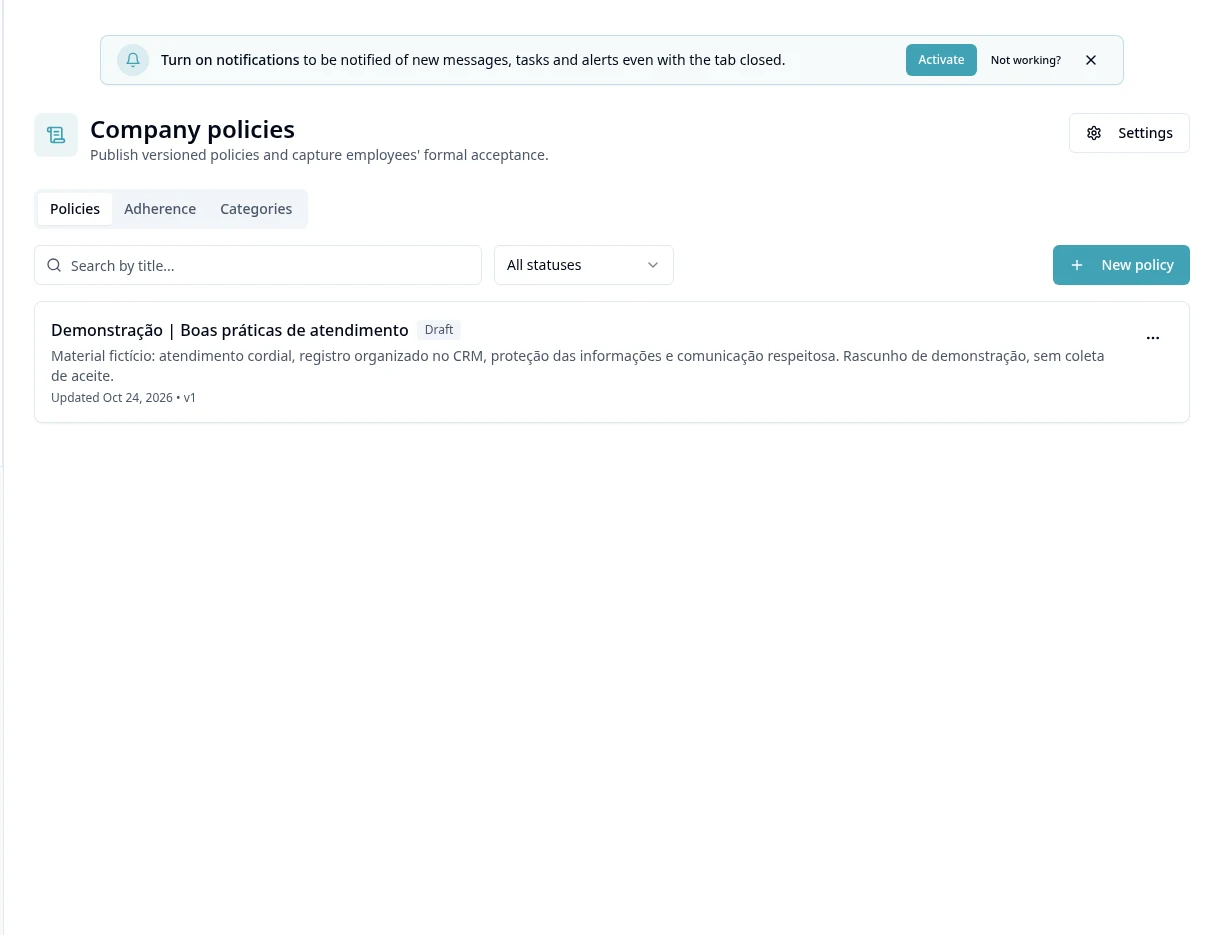
Open Policies and review the available list.
- 2
In authorized management, prepare Categories and the module Settings.
- 3
Create/edit the policy in the editor and review the title, text and audience required on screen.
- 4
Publish through the offered flow and check how it reads in the employee view.
- 5
Use My Policies to see the policies addressed to the person.
- 6
In Adherence, check the authorized tracking; do not confuse publishing a policy with acceptance by everyone.
- 7
When updating content, review the flow and tracking records before replacing the previous guidance.
Available controls depend on your user permissions and organization settings. If an option is missing, ask the administrator to check your module access.