
Evaluation — competencies, participants and results
Purpose
Prepare the questionnaire and rules before requesting reviews and interpreting reports.
Before you start
Step by step
- 1
Open Performance Review → Competencies and prepare/select the library you need.
- 2
Review name, type, description and how competencies/groups apply to positions or employees.
- 3
In Request Review, follow the wizard: creation, scales, participants, questionnaire, rules and summary.
- 4
Check reviewees/reviewers and the applicable competencies before confirming.
- 5
Review deadlines and permissions of the process; do not assume automatic cycles based only on the 90/180/360 name.
- 6
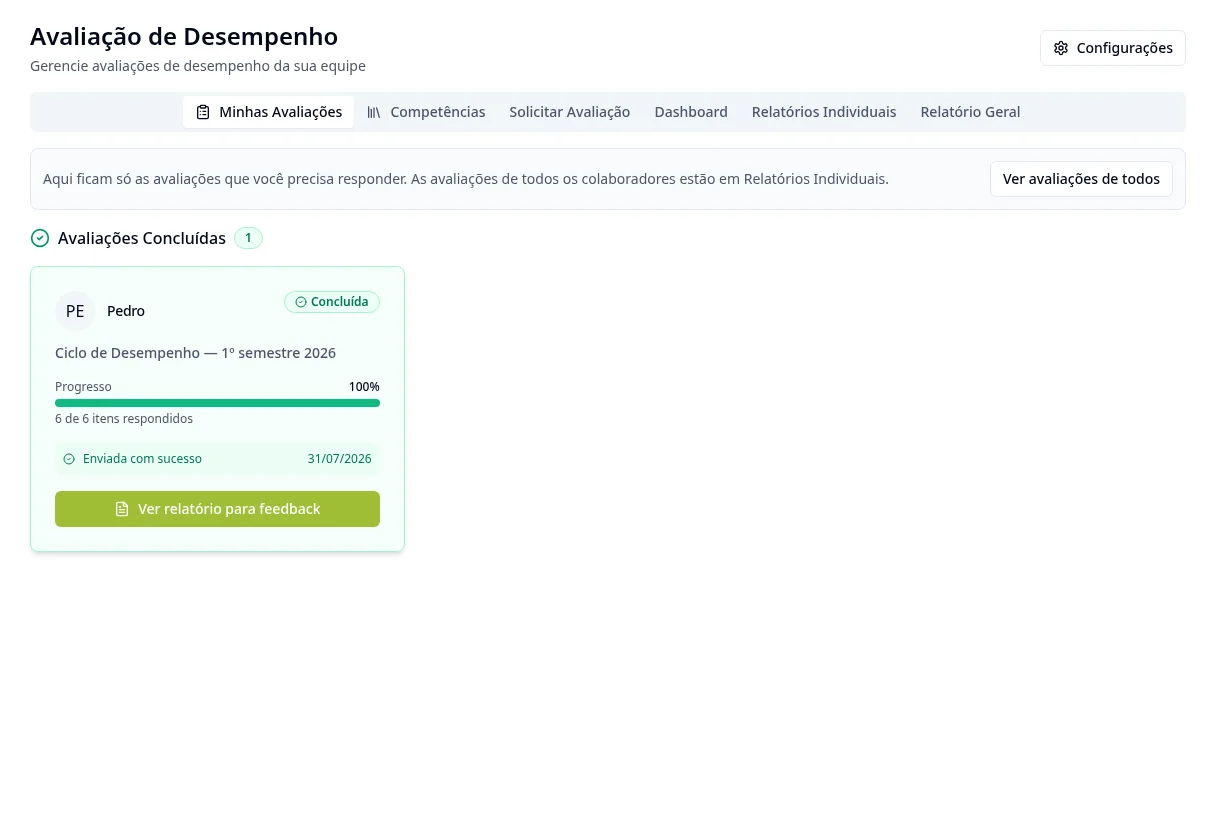
Invitees follow My Reviews and answer through the available flow.
- 7
Use Dashboard, Individual Reports and General Report within the allowed scope.
- 8
Review the results and prepare the IDP when available; when changing the questionnaire, compare results carefully.
Available controls depend on your user permissions and organization settings. If an option is missing, ask the administrator to check your module access.