
Feedback, 1:1 meetings and development plans
Purpose
Record conversations and turn guidance into tracked development.
Before you start
Step by step
- 1
Open Feedback and choose Received, Sent or Requests according to your goal.
- 2
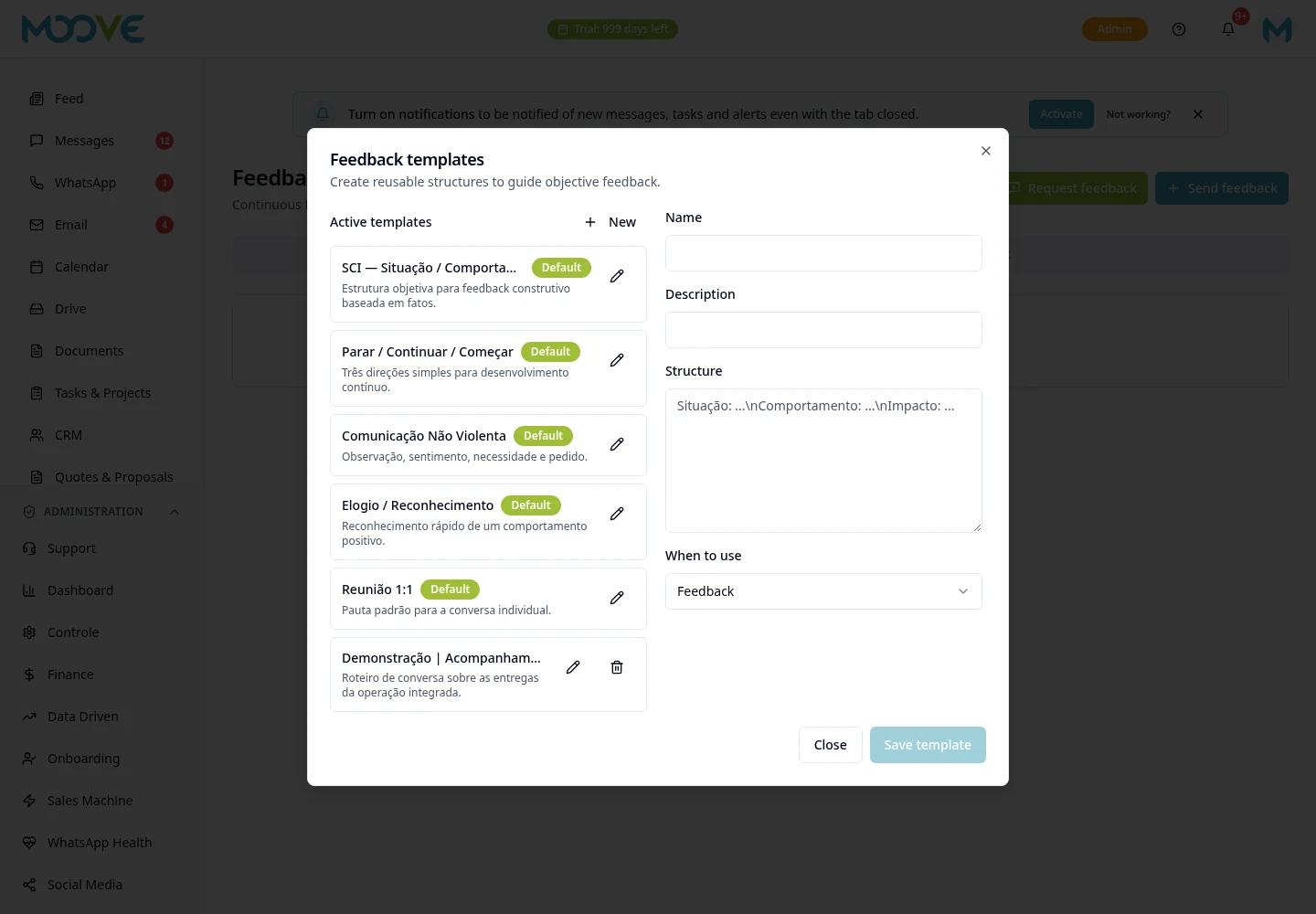
Use the feedback composer to select the recipient and write the content with facts and guidance.
- 3
Check the links/competencies offered and review before sending.
- 4
In 1:1, use the meeting flow to prepare and record the conversation.
- 5
Team and Management views depend on access; do not confuse personal history with organization-wide access.
- 6
To Send to IDP, select an existing plan and fill in the short-term Goal.
- 7
If there is no IDP, generate it in Performance Review first; Feedback does not create a full plan automatically.
- 8
Follow progress through the report/IDP and new feedback, instead of treating the submission as completed.
Available controls depend on your user permissions and organization settings. If an option is missing, ask the administrator to check your module access.