
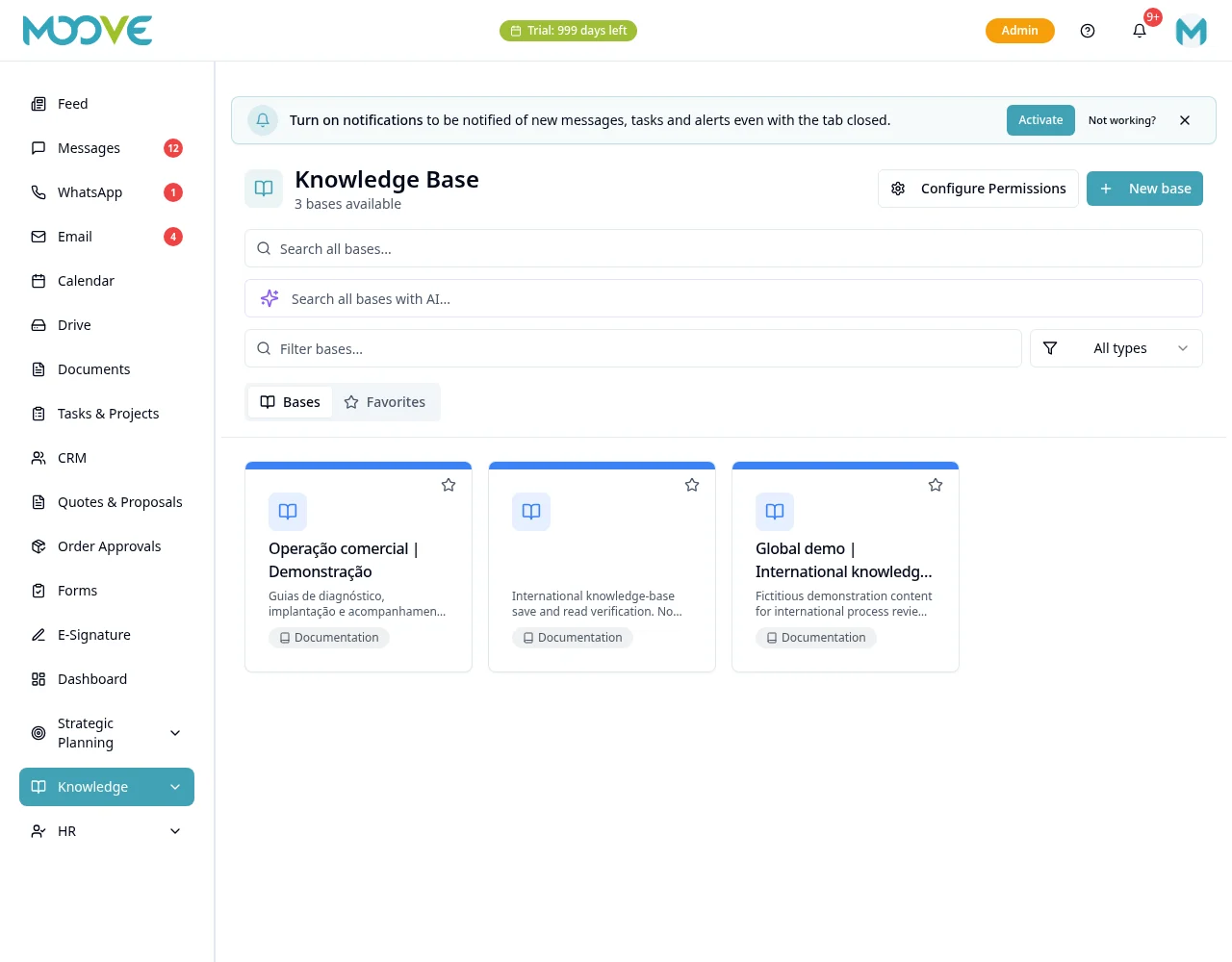
Knowledge Base — bases and pages
Purpose
Separate reference content from files and procedures subject to approval.
Step by step
- 1
Open Knowledge Base and create/open a base available to your access.
- 2
Organize base pages and give them clear titles to make information easy to find.
- 3
Edit content in the block editor and check formatting and links after pasting text.
- 4
Use Import File: choose Without AI for text/formatting or With AI to organize content and read images/scanned PDFs when enabled. Review the title, labels and preview.
- 5
Check Supplementary Content for omitted passages and confirm Create Page: import creates a draft after your review.
- 6
Review base/page access and sharing before making content available to the team or externally.
- 7
Use search and navigation to check that another authorized person can find the guidance.
- 8
Update pages and cross-references when a process changes; use SOPs for formal procedure review/approval.
Available controls depend on your user permissions and organization settings. If an option is missing, ask the administrator to check your module access.