
Task and Project automations
Purpose
Link work events to the actions offered without assuming a universal blocking flow.
Before you start
Step by step
- 1
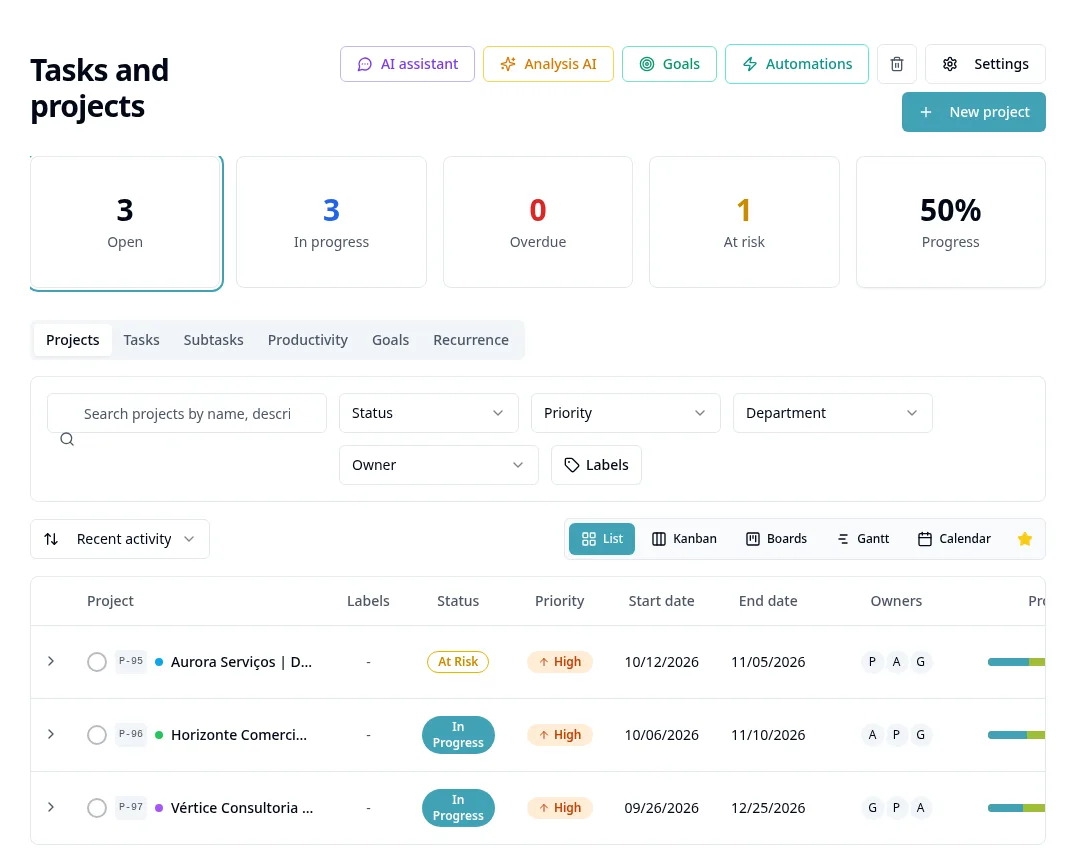
Open the available Tasks/Projects Automations settings.
- 2
Select the trigger and the status/deadline/context filters from the on-screen list.
- 3
Choose the action and configure the requested owner, message/template or destination.
- 4
For CRM actions, check the task/project link to the deal.
- 5
Onboarding completed/IDP created events use the same task flow when configured; select the events actually available.
- 6
Review sending and channels before activating and follow logs/responses.
- 7
Messages via Twilio may use a daily digest; do not treat this behavior as a universal instant send.
Available controls depend on your user permissions and organization settings. If an option is missing, ask the administrator to check your module access.