
Profiler — questionnaire and results without AI
Purpose
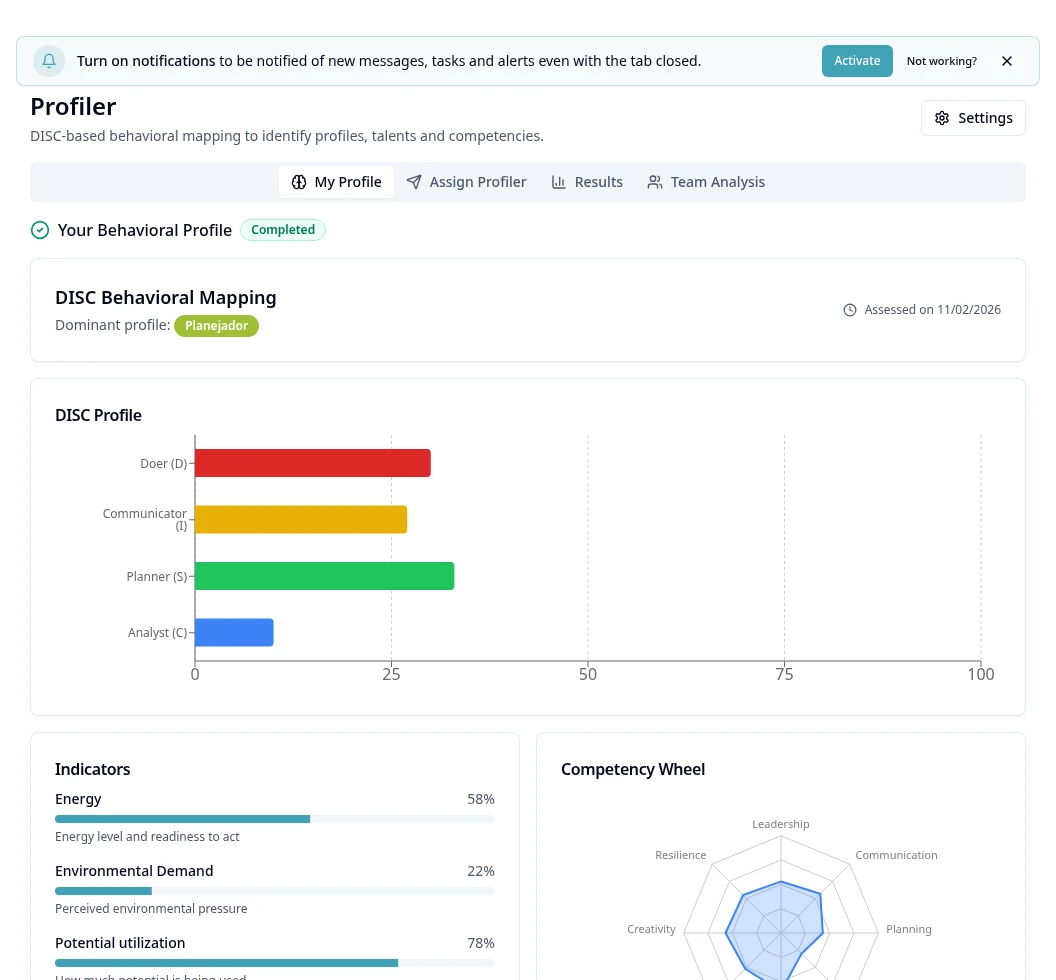
Check the behavioral profile calculated by a deterministic methodology, without using AI credits.
Step by step
- 1
Open Profiler → My Profile to see your result or available questionnaire.
- 2
To apply it, use Apply Profiler → Internal and select people; external ones have their own form and sending when enabled.
- 3
Check name and sending method/email/phone before sending the invitation.
- 4
On the external link, complete code verification when requested.
- 5
Answer all questionnaire groups; review pending ones before submitting.
- 6
In Results, filter by name/position/department/source and open the individual result.
- 7
Check Natural, Adapted and Summary and the behavioral analysis; use Download PDF when available.
- 8
Use Team Analysis for the authorized group reading, without AI.
- 9
Older results keep a notice of the previous methodology; they are not reprocessed automatically. Do not use the profile alone as a psychological diagnosis or elimination criterion.
Available controls depend on your user permissions and organization settings. If an option is missing, ask the administrator to check your module access.