
Forms — create, share and review responses
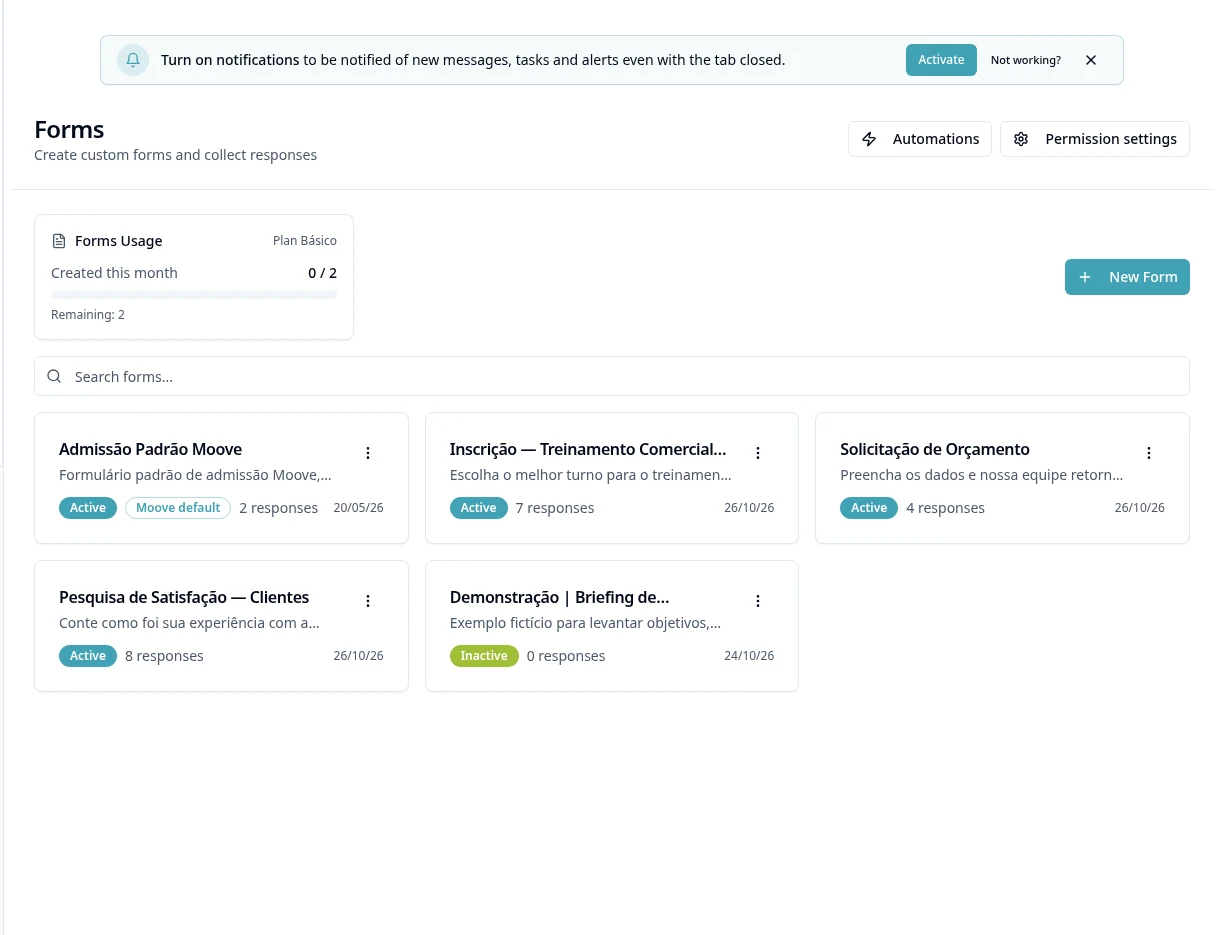
Purpose
Prepare questions and the form's actual destination before sharing its link.
Step by step
- 1
Open Forms and create/edit an available form.
- 2
Enter a title/description and organize questions in the editor.
- 3
Define types, required fields and conditions only using the displayed options.
- 4
Review the form's appearance, permissions and settings.
- 5
Check the behavior after a response and any integration/destination offered by the form; do not assume automatic creation of a Customer, Task or candidate.
- 6
In the editor, use Preview to check questions/conditions; organize Sections, review Settings and Save before activating.
- 7
Activate the form when ready, use Copy Link and monitor responses using list/detail actions.
- 8
Export responses when authorized and check the file; do not promise nonexistent metrics or configurable anti-spam protection.
Available controls depend on your user permissions and organization settings. If an option is missing, ask the administrator to check your module access.