
Calendar — events and integrations
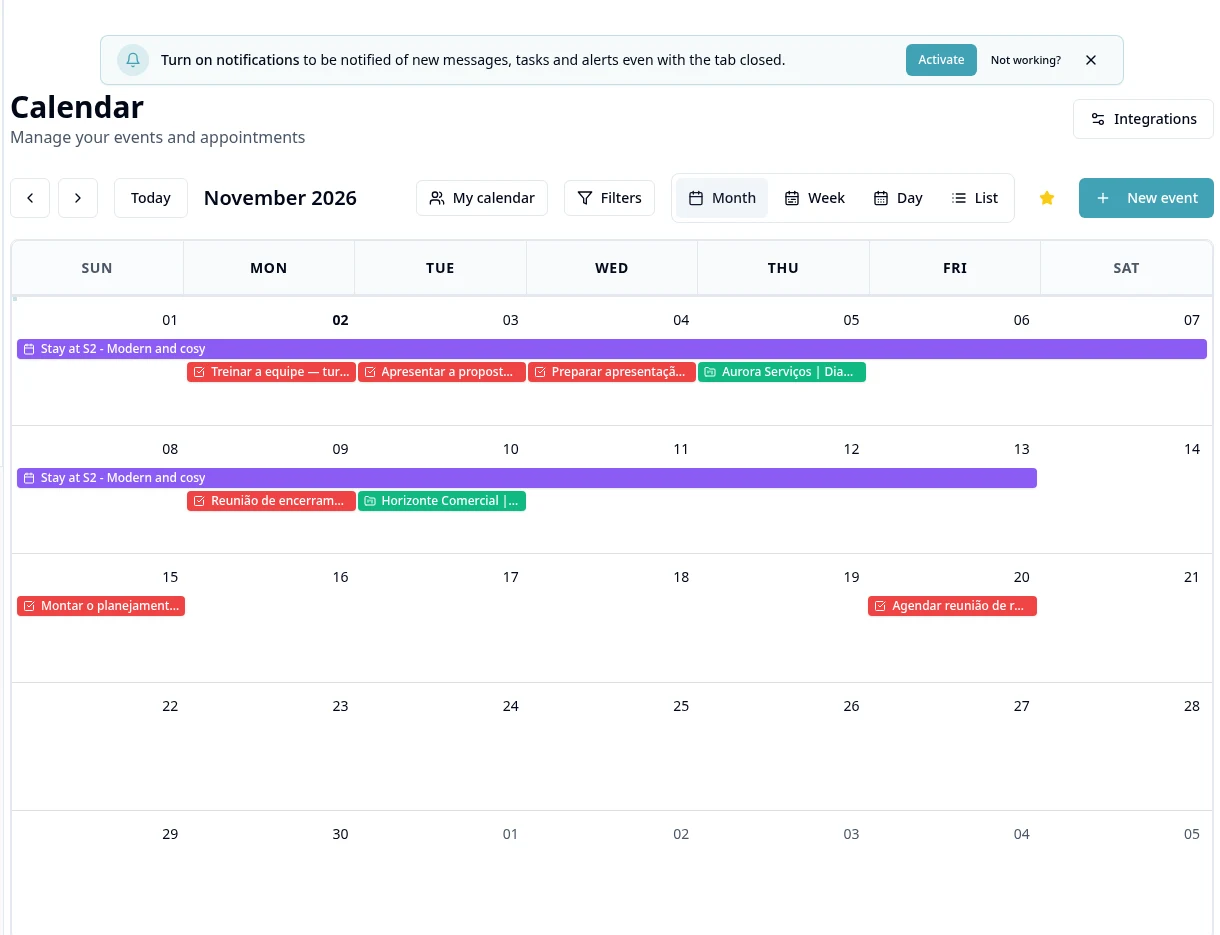
Purpose
Organize appointments and connect your own calendar account using the module options.
Step by step
- 1
Open Calendar and choose an available view/date range.
- 2
Create the event with a title, date/time, participants and other form fields.
- 3
Review participants and access before sending invitations.
- 4
Open Calendar Integrations → Calendar to connect Google Calendar with your own account.
- 5
Authorize using your own account and check the connected calendar.
- 6
Check the event in the corresponding calendar; do not assume instant synchronization or configurable two-way sync if the screen does not offer it.
- 7
Edit/cancel the appointment using the appropriate action and check the result.
- 8
In the integrations Video Conferencing tab, configure Google Meet, Zoom or Teams when available; video integration does not automatically record meetings.
Available controls depend on your user permissions and organization settings. If an option is missing, ask the administrator to check your module access.