
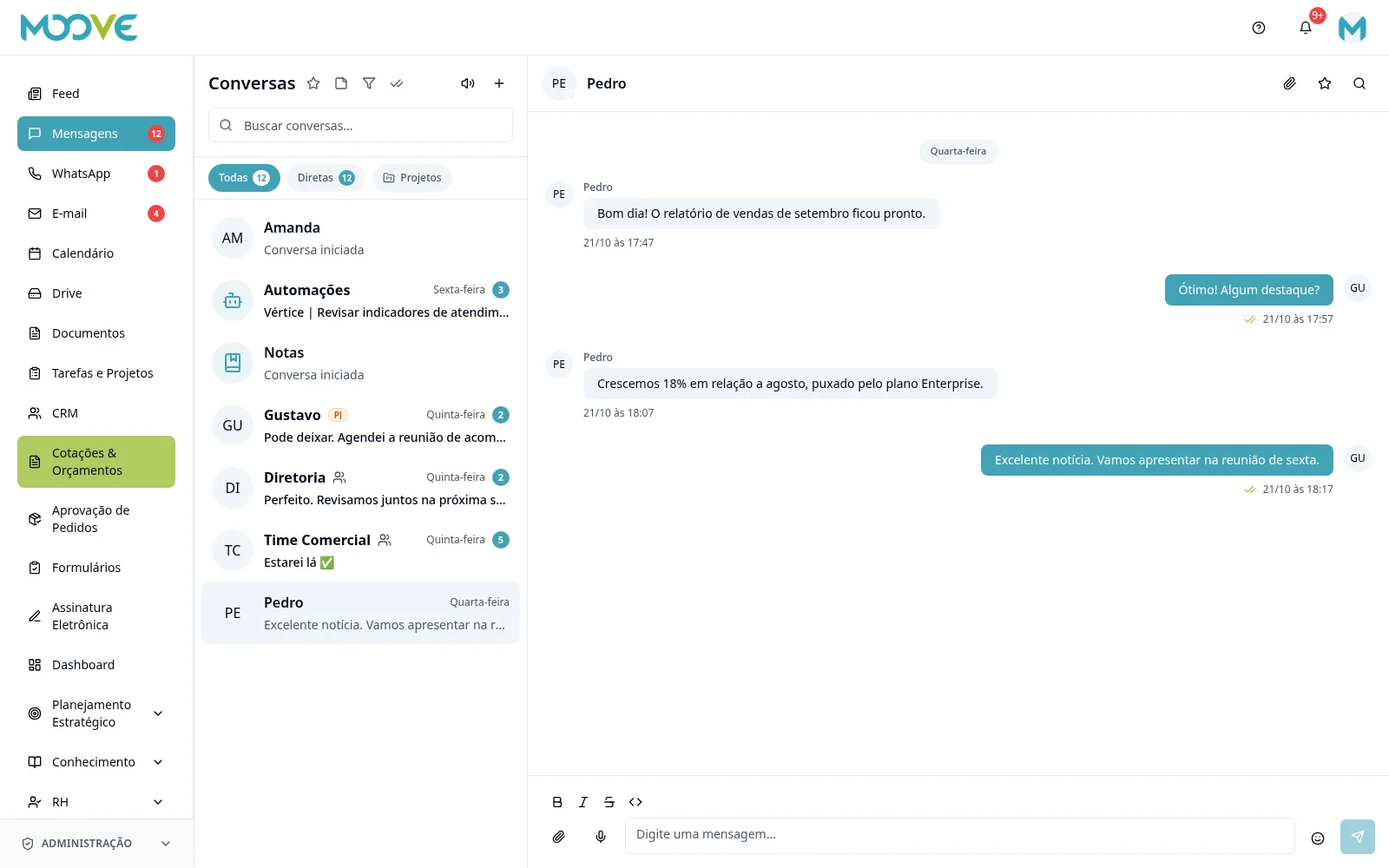
Messages — conversations, groups and favorites
Purpose
Talk with the team and separate shared messages from personal notes and favorites.
Step by step
- 1
Open Messages and select/start a conversation from the available people or groups list.
- 2
Check the recipient and participants before writing or attaching files.
- 3
In groups, use participant/management options according to your permissions.
- 4
Use reply, reactions and message actions when available.
- 5
Favorites are personal; pinned messages are shared in the conversation. Do not use one as a substitute for the other.
- 6
Personal notes belong to the individual user and are not a shared group.
- 7
After leaving a conversation, you can still see history up to your departure, but cannot send or receive new messages.
Available controls depend on your user permissions and organization settings. If an option is missing, ask the administrator to check your module access.