
Onboarding — templates, documents and approval
Purpose
Separate the document invitation, review and account creation/provisioning.
Before you start
Step by step
- 1
Open Onboarding → Settings → Process templates.
- 2
Choose/create the template and review the Moove default form, documents, checklist and owners.
- 3
Set whether the template requires a digital signature; confirm documents and conditions before saving.
- 4
Review Permissions in settings.
- 5
In the Onboarding list, create the process with the template and candidate data.
- 6
Copy/send the link using the available actions and follow up in Kanban or List.
- 7
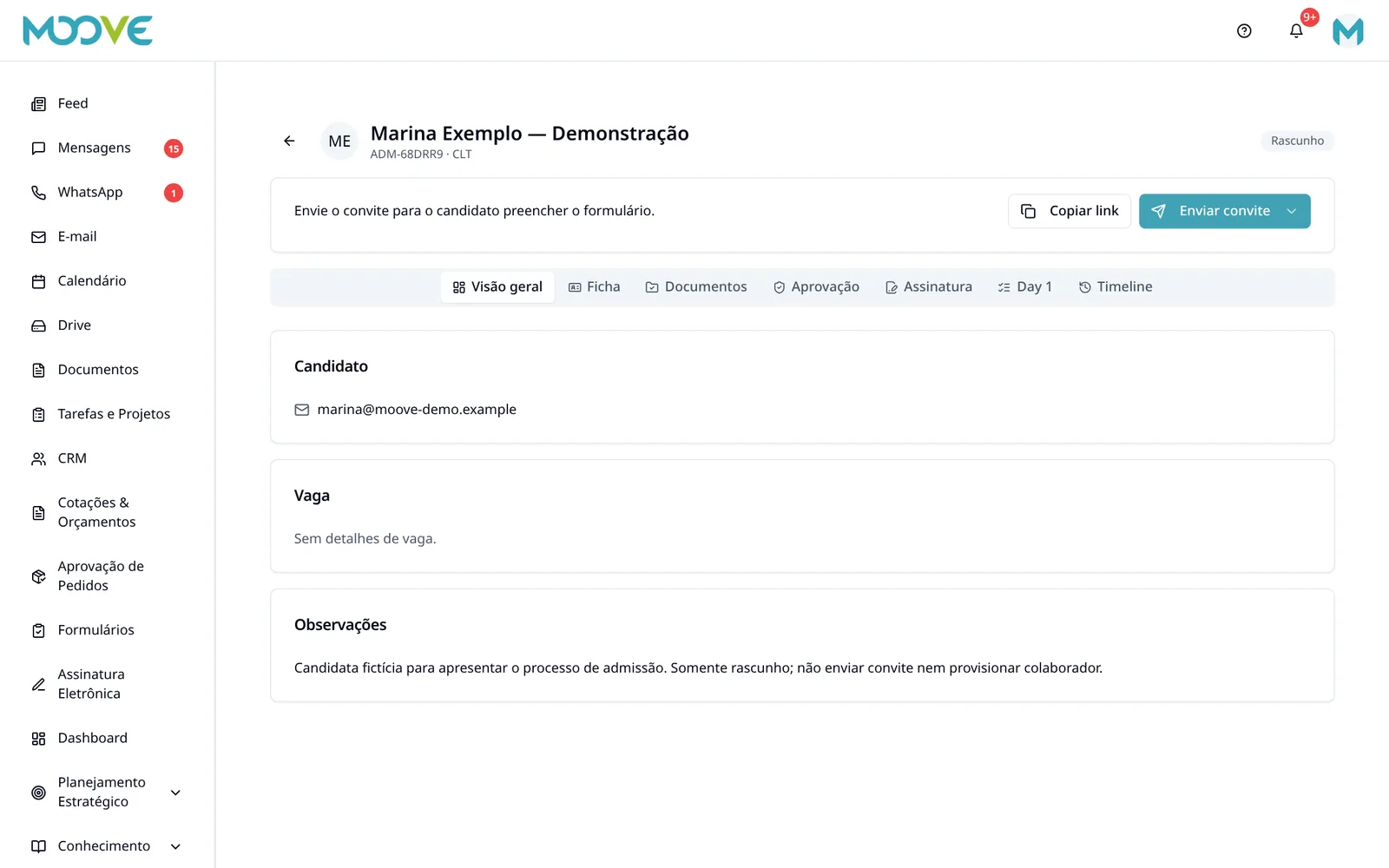
In the detail view, check Form, Documents, Approval, Contract, Checklist and Timeline.
- 8
Review the data and run approval/rejection/provisioning according to status and permission.
- 9
Define the list of required documents (employee or contractor) with the company's HR and legal team; leave blank anything the candidate has not provided yet.
Available controls depend on your user permissions and organization settings. If an option is missing, ask the administrator to check your module access.