
Tasks and projects
Know who is doing what, and by when
Organize projects in boards or lists, assign owners, set deadlines and automate repetitive steps.
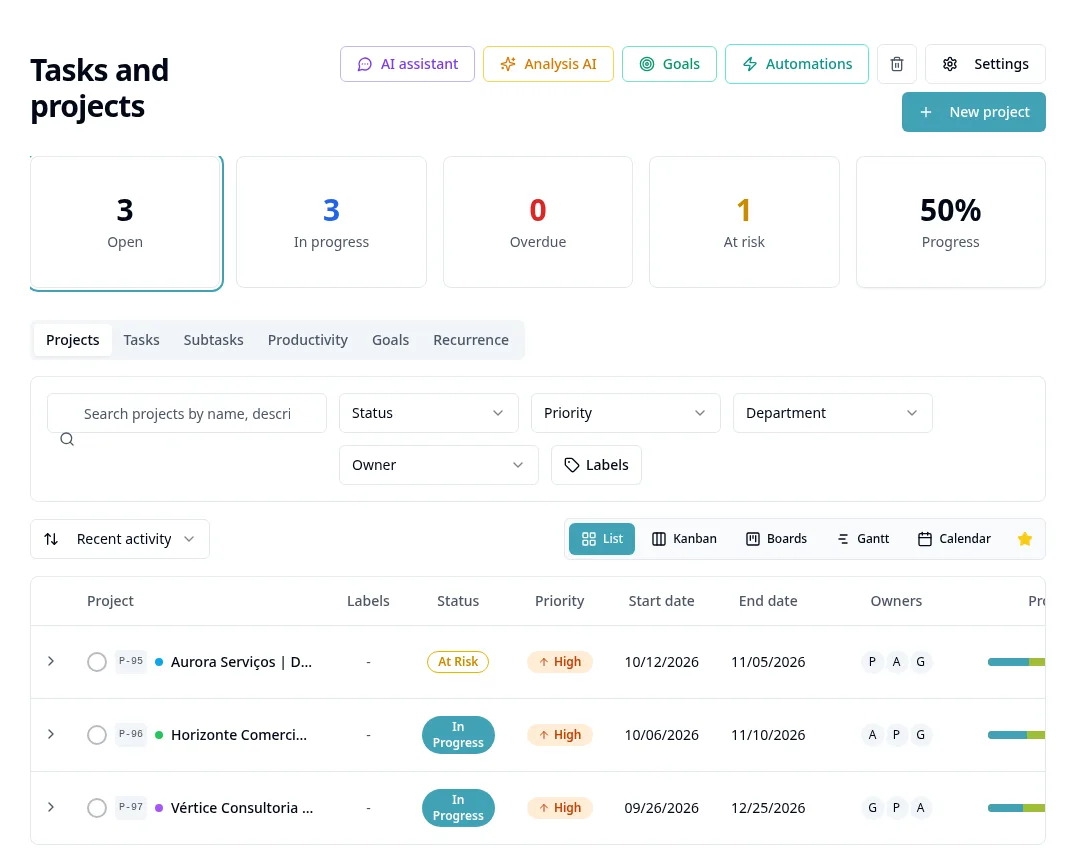
What you get
Kanban and list views
Switch views according to how each team prefers to work.
Owners and deadlines
Every task with a clear owner, priority and due date, plus overdue alerts.
Subtasks and checklists
Break big deliveries into small, trackable steps.
Automations
Create follow-up tasks and notifications automatically when status changes.
Frequently asked questions
Can I use templates for recurring projects?
Yes. Save a project as a template and reuse its stages and tasks.
Can clients or other teams follow progress?
Internal participants can follow tasks according to their permissions.
Are tasks linked to deals?
Yes. Tasks created from the CRM stay linked to the original deal.