
SOPs — procedure, review and approval
Purpose
Document the procedure and separate editors from approvers.
Step by step
- 1
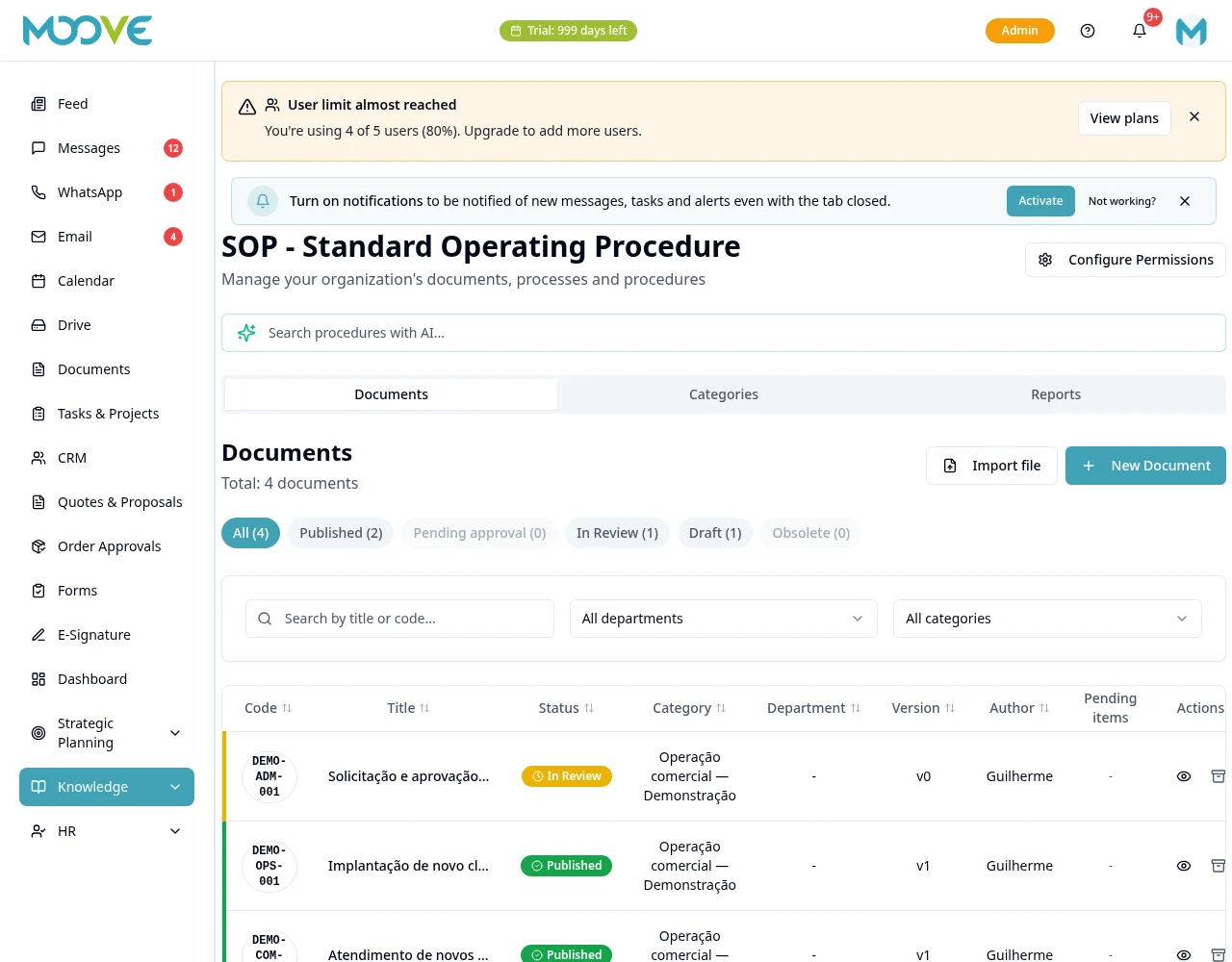
Open SOPs and create a procedure using the available action.
- 2
Complete the title and form fields and describe the steps in the editor.
- 3
Add supporting materials using the screen's options and check the links.
- 4
If importing a file, review the suggestion and Supplementary Content before confirming the save.
- 5
Submit for review/approval using the procedure actions; editing does not imply approval permission.
- 6
Check the status and published version before using it as official guidance.
- 7
When the process changes, use the editing/review workflow and monitor available history.
- 8
Reference the procedure in work materials; do not assume mandatory playlists or reading tracking without specific configuration.
Available controls depend on your user permissions and organization settings. If an option is missing, ask the administrator to check your module access.