
Create and invite users
Purpose
Create accounts with an assigned department and appropriate access, without using Admin as a temporary shortcut.
Before you start
Admin has full access within the organization. Reserve it for those who need to administer; do not invite everyone as Admin to adjust later.
Step by step
- 1
Open Settings → Create User and choose individual creation.
- 2
Enter the name and email and select an existing department. Assign a position when applicable.
- 3
Identify Service Providers correctly; do not use this classification to misrepresent an employment relationship.
- 4
If copying another user's permissions, choose someone with access appropriate to the role and review the result.
- 5
Select the available invitation channels. WhatsApp/SMS require a valid phone number with country code; the manual link lets you copy the activation link for secure delivery.
- 6
Check the details before sending and wait for the creation result.
- 7
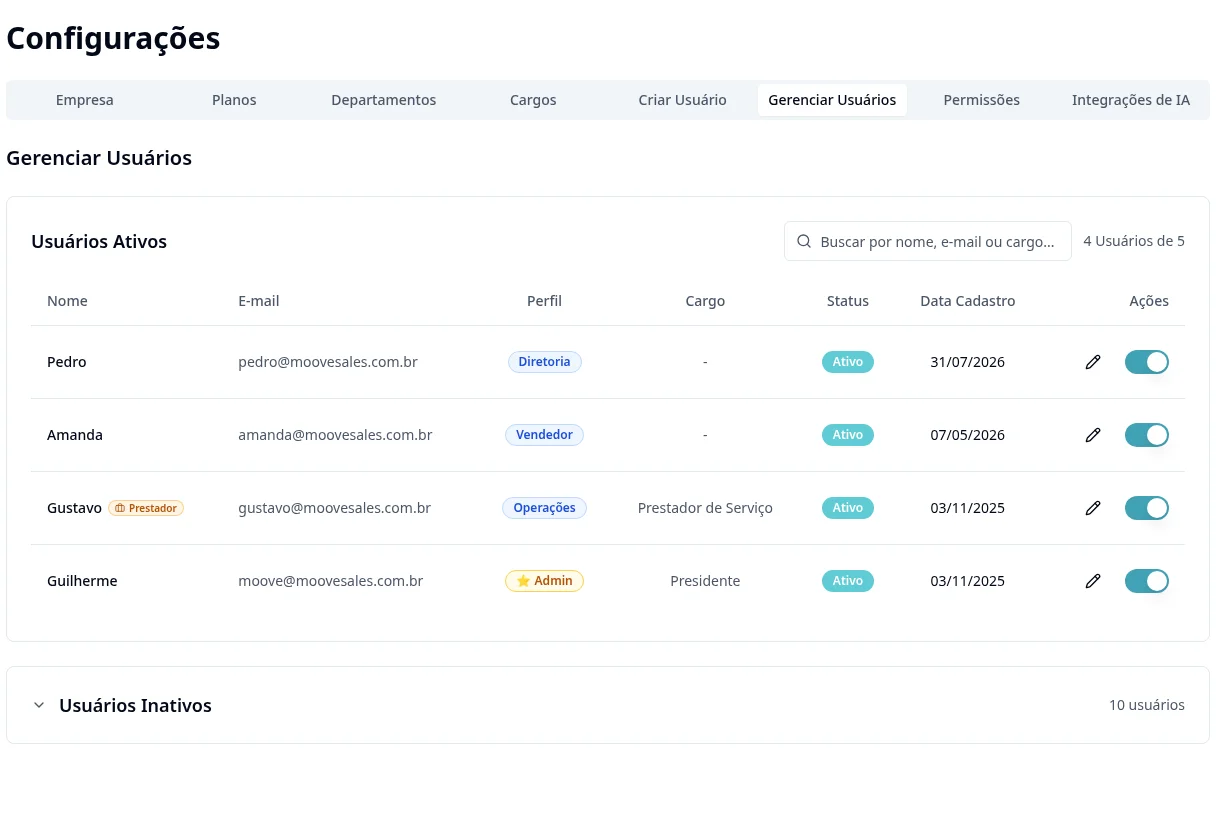
In Manage Users, monitor pending/active accounts, copy or resend invitations using the screen's actions and check the displayed expiry.
- 8
For multiple users: choose Bulk Import, download the current template, enter existing departments and review errors before confirming. Do not reimport rows that already succeeded.
Available controls depend on your user permissions and organization settings. If an option is missing, ask the administrator to check your module access.