
Phase 3 · Sales
Step 1 of 12
5 min
Beginner
Sales track — getting started
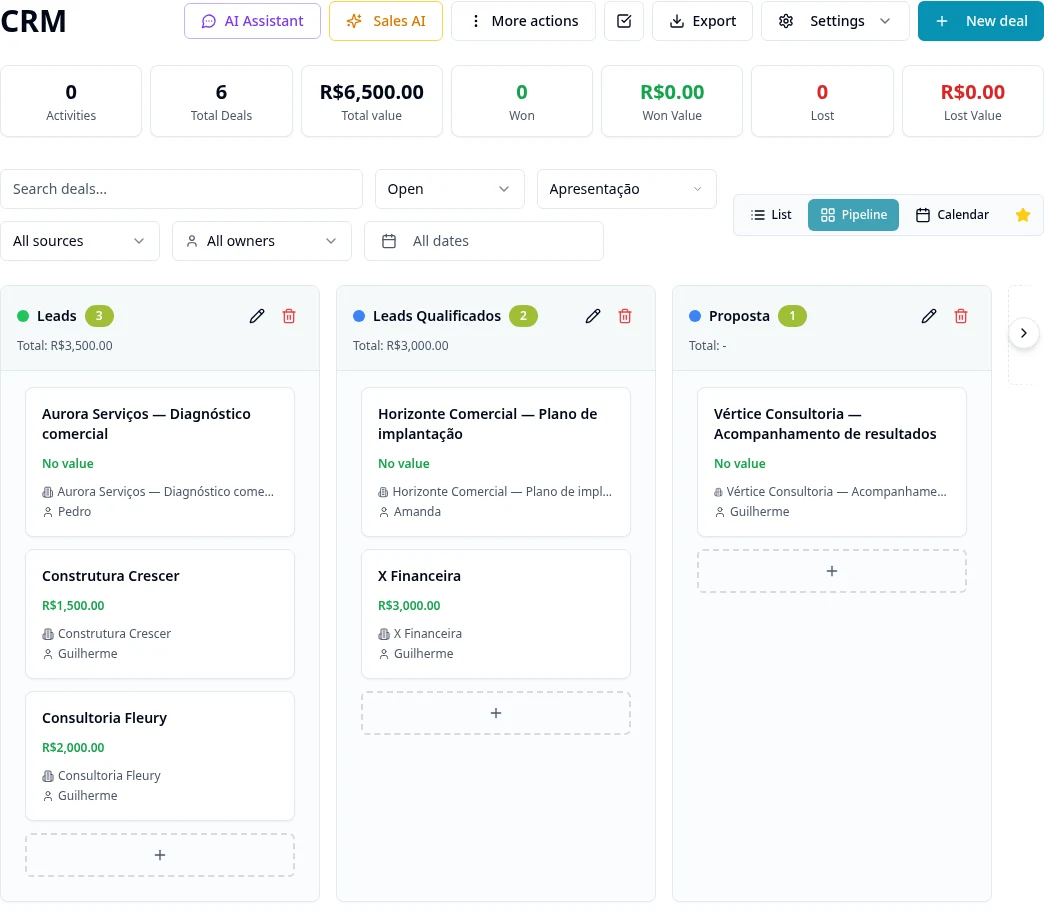
Purpose
Choose the modules for your sales process and prepare data and channels before sending proposals or campaigns.
Step by step
- 1
Create your customer records in Customer Center and configure pipelines and stages in CRM.
- 2
If your proposals include products, prepare the Catalog in Quotes → Products and the Templates.
- 3
Connect the Email accounts and WhatsApp channels you will use.
- 4
Review the team's access to records and channels.
- 5
Then prepare templates, lists, campaigns and automations; no channel is required to use all other modules.
Access and availability
Available controls depend on your user permissions and organization settings. If an option is missing, ask the administrator to check your module access.
Recommended next step
Customer Center and 360° view